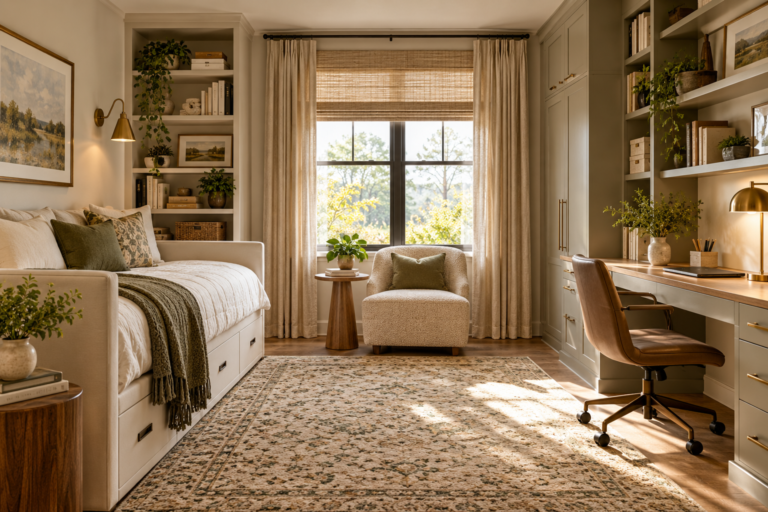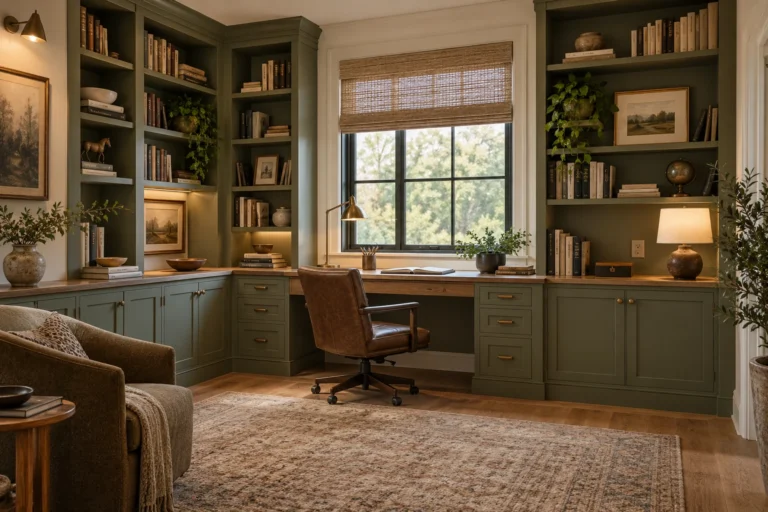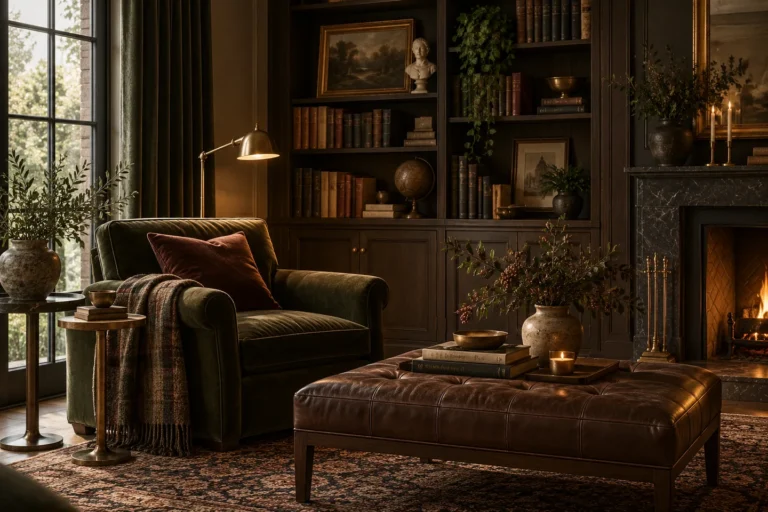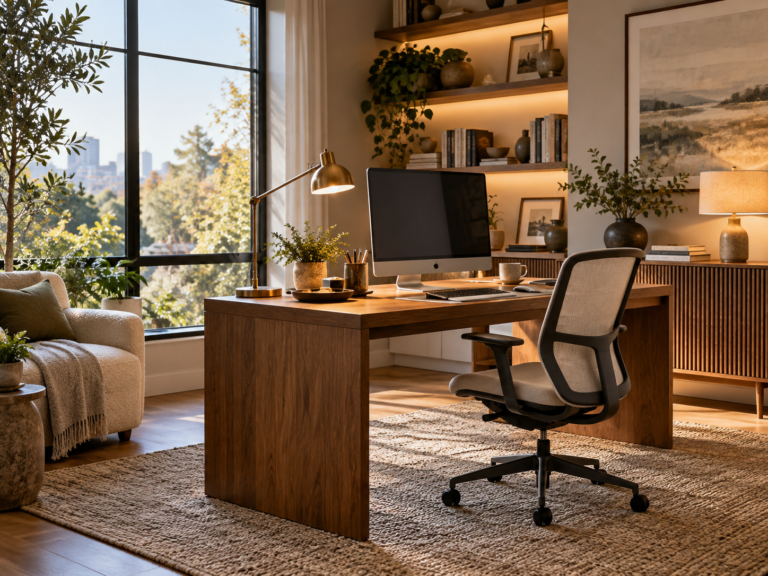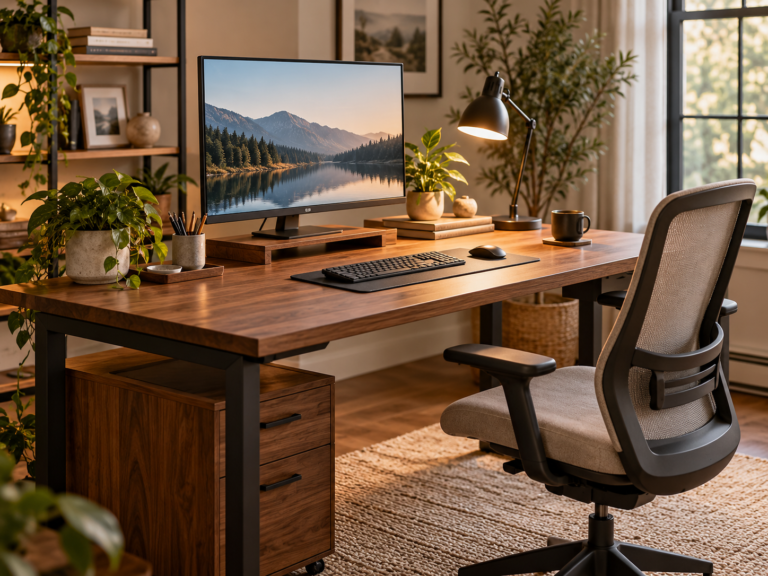
A home office works best when the desk, screen, light, storage and background are planned as one system. Start with the work you actually do, then place the desk around daylight, circulation and power before styling the room.
The useful sequence is work type → desk position → chair and screen → lighting → storage → acoustics → video-call background → decorative layer.
1. Define the work before choosing furniture
Home-office planning should begin with the household’s actual work patterns, not assumptions about how everyone works. For national context, our U.S. work-from-home statistics guide distinguishes workers who usually work at home from people with occasional hybrid schedules and labels the source year for each figure.
A laptop-only writing setup needs less depth than a workstation with two large monitors, drawing equipment or product samples. List what stays on the desk every day and what only needs occasional access.
Allow the work surface to fit the equipment without forcing the keyboard, notebooks and other tools into a narrow strip of remaining space.
2. Place the desk around daylight and glare
Daylight can make a workspace more pleasant, but a screen directly facing a bright window can create glare. A desk facing away from a bright window can create reflected glare on the screen. A position perpendicular to the main window often gives more balanced daylight, though the room itself should decide.
Test the screen at the times of day you normally work. Use blinds or shades when glare control is more important than maximum daylight.
3. Protect the route into and around the workspace
The chair needs room to move without blocking the doorway or pinning you against storage. Open drawers and cabinet doors while testing the layout. In a shared room, keep the office zone from interrupting the main household path.
For very compact homes, use the small-space design guide before adding extra office furniture.
4. Choose a desk that fits the equipment
Measure the actual monitor stands, keyboard, laptop dock and other equipment before choosing the desk. A shallow desk can look elegant but become uncomfortable if the screen ends up too close or there is no room to write.
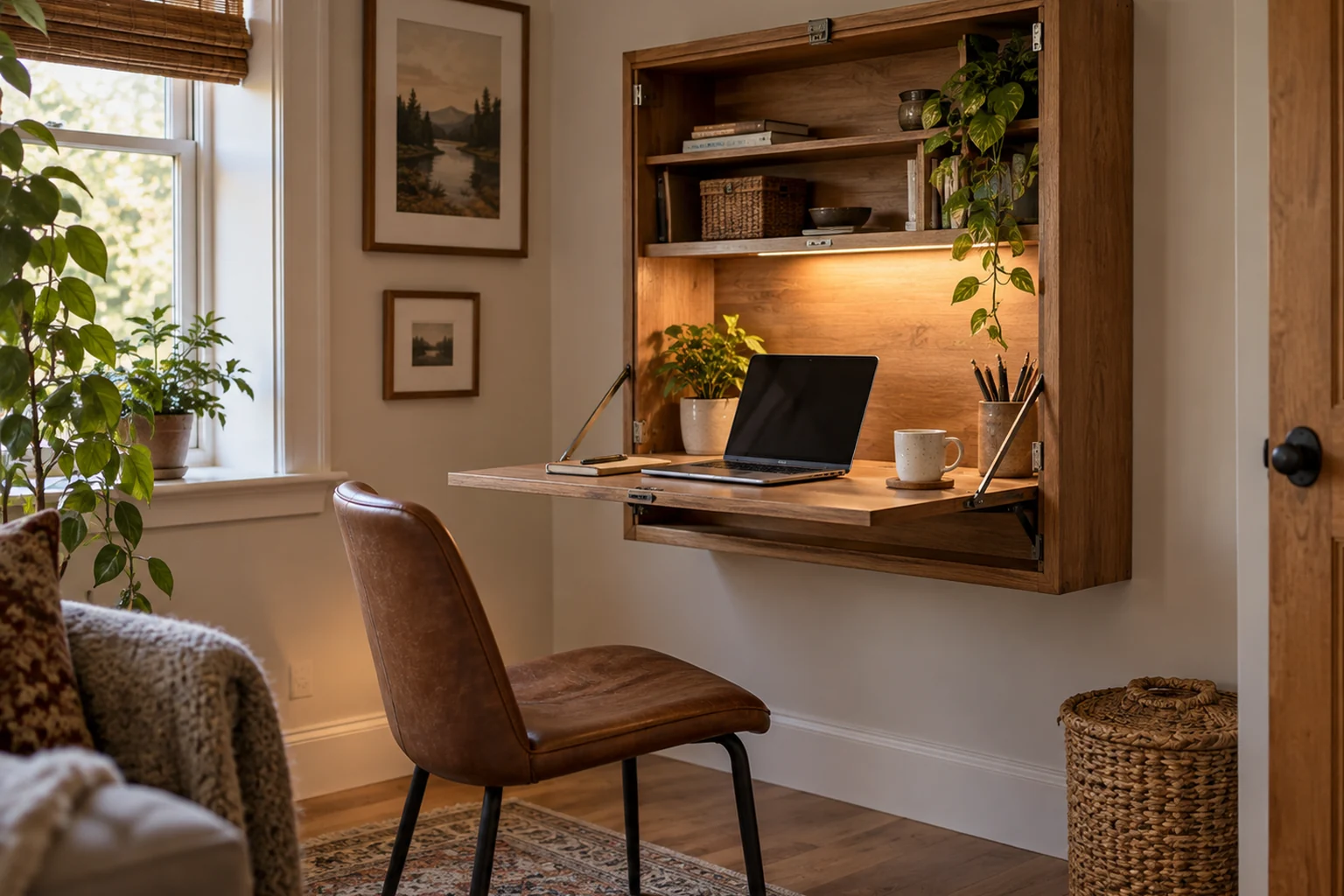
Wall-mounted or folding desks can work for occasional use when the wall, mounting system and load are appropriate. They are less useful when permanent equipment needs to stay connected.
5. Set up the chair and screen for comfortable work
Chair comfort, desk height and screen position should work together. Adjust the chair and equipment using the manufacturer’s guidance and your own comfort, then change the furniture arrangement if the room forces an awkward posture.
If discomfort persists, seek appropriate ergonomic or health guidance rather than treating decorative furniture changes as a medical solution.
6. Use task lighting at the work surface
A desk lamp can provide focused light without requiring the whole room to be bright. Position it so your hand and monitor do not create distracting shadows or reflections.
Combine task light with softer ambient light so the screen is not the brightest object in a dark room. See the home lighting guide for the broader layered approach.
7. Put storage near the activity
| Work item | Useful storage |
|---|---|
| Daily stationery | Shallow drawer, desk organizer or nearby shelf. |
| Files | Drawer or cabinet sized to the actual format. |
| Reference books | Open shelving within easy reach. |
| Printer and supplies | Ventilated cabinet or shelf with practical cable access. |
| Rarely used equipment | Closed storage farther from the desk. |
Browse Storage & Organization for a broader system.
8. Use vertical storage when floor space is limited
Built-in shelves or wall-mounted storage can release floor area, but keep heavy items low and frequently used items within comfortable reach. Do not fill the wall above a desk with deep shelves that make the work zone feel cramped.
For a study-specific example, see our built-in shelving ideas for a study, which covers shelf depth, spans, closed storage, wall attachment, lighting and service access.
9. Manage cables before they become visual clutter
Plan power access for the computer, monitor, lamp, chargers and any printer or audio equipment. Group cables and keep them away from chair wheels and walking routes.
Do not route ordinary power cords through walls or create improvised electrical solutions. Use approved power and cable-management products for their intended use.
10. Reduce echo before buying decorative acoustic products
Hard rooms can sound more distracting because sound reflects from walls, ceilings and floors. Rugs, curtains, upholstered furniture and filled bookshelves can reduce some reflected sound while also serving ordinary room functions.
Blocking sound transmission through walls and doors is a different problem from reducing echo inside the room. If outside noise is a major issue, treat doors, gaps, windows and construction separately rather than assuming decorative foam panels will soundproof the room.
11. Plan the video-call background
A background should look calm without becoming a staged display that takes over the room. One shelf, artwork, a lamp or a restrained wall color can provide enough visual structure.
Check the camera view from the actual seated position. Remove distracting bright windows or clutter from the frame where possible.
12. Light the face for video calls
Soft light from the front or slightly to one side is usually more flattering than a bright ceiling light directly overhead. If you use daylight, be aware that it can change during long calls.
A small adjustable lamp can be more useful than a decorative fixture placed only for appearance.
If the office shares a bedroom or guest room, compare a permanent desk with the fold-down Murphy desk planning guide. The design should preserve a usable chair route and follow appropriate wall-anchoring instructions.
13. Share a room without letting the office dominate it
Two-person home office: plan the chairs, screens and calls together
Two desks do not automatically create two usable workstations. Draw both desk footprints, then add the chairs pulled back, the space to reach drawers, and the routes to the door. A back-to-back arrangement may preserve wall space but can put one person’s screen directly in the other’s sightline; side-by-side desks can simplify shared storage but create glare differences.
| Layout | Works well when | Check before committing |
|---|---|---|
| Two desks on one wall | Both people need an individual screen setup | Each chair can roll back without colliding; monitor positions do not compete for light or outlets |
| Desks on opposite walls | Concentration and independent calls are priorities | There is still a comfortable central route and enough room to open drawers |
| L-shaped shared workstation | One user works less frequently or needs a project surface | Corner depth, screen angle, legroom and cable access all function independently |
| One fixed desk plus a fold-down station | The second worker uses the room occasionally | Fold-down hardware is appropriate and the open desk does not block circulation |
Check the home office desk depth guide for equipment footprint and home office screen-glare lighting guidance for different window orientations. Route power cables according to equipment and electrical guidance, keep them away from chair wheels and floor paths, and reserve access to outlets without overloading extension devices. For shared video calls, plan acoustic separation and microphone placement rather than assuming decorative felt panels will solve intelligibility.
When the office sits in a bedroom, living room or guest room, choose furniture that belongs visually to the room. A closed cabinet can hide equipment after work. A desk with a lighter visual footprint may integrate better than commercial office furniture.
Still, do not sacrifice comfort for concealment if the workspace is used for many hours every day.
14. Create a home office in a small corner
A narrow console-depth desk, floating shelf desk or compact secretary can work for light laptop use. Measure the chair movement and screen depth before assuming a shallow surface is sufficient.
Keep lighting local and storage vertical or adjacent rather than surrounding the chair with small organizers.
15. Use color to support focus without making claims it cannot support
Choose color for comfort, light and the atmosphere you prefer rather than relying on universal claims that one hue guarantees concentration. Muted greens, warm neutrals, blues, deeper colors and even strong accents can all work in the right room.
Use the interior color palette guide to connect the office to the rest of the home.
16. Make the room pleasant enough to spend time in
Once the functional layer works, add a small number of objects that make the office feel personal: art, a plant, books, a textile or a favorite lamp. The room does not need to look corporate to work well.
Home office checklist
- The desk supports the actual work and equipment.
- Daylight does not create persistent screen glare.
- The chair can move without blocking circulation.
- Task and ambient lighting serve different jobs.
- Storage is close to the activities it supports.
- Cables are controlled and clear of movement.
- Acoustic treatment targets the real noise problem.
- The video-call background is calm and practical.
- The decorative layer does not reduce working comfort.