Lighting · Home office
Clamp Desk Lamps for Small Desks
Choose task lighting by clamp fit, useful reach, glare control and the materials of your actual desk.
By Hayat
IN THIS GUIDE
Plan before buying
QUICK CHECK
Make the decision safely
- Check the tabletop edge, underside clearance and clamp limits.
- Aim the light at work, not into the screen or eyes.
- A stable base is better if your desk cannot safely take a clamp.
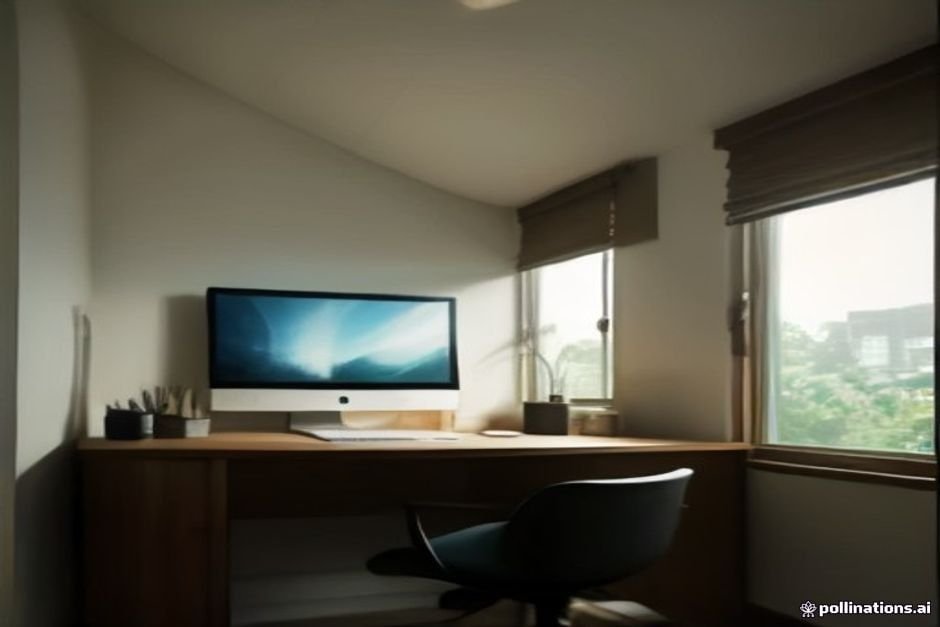
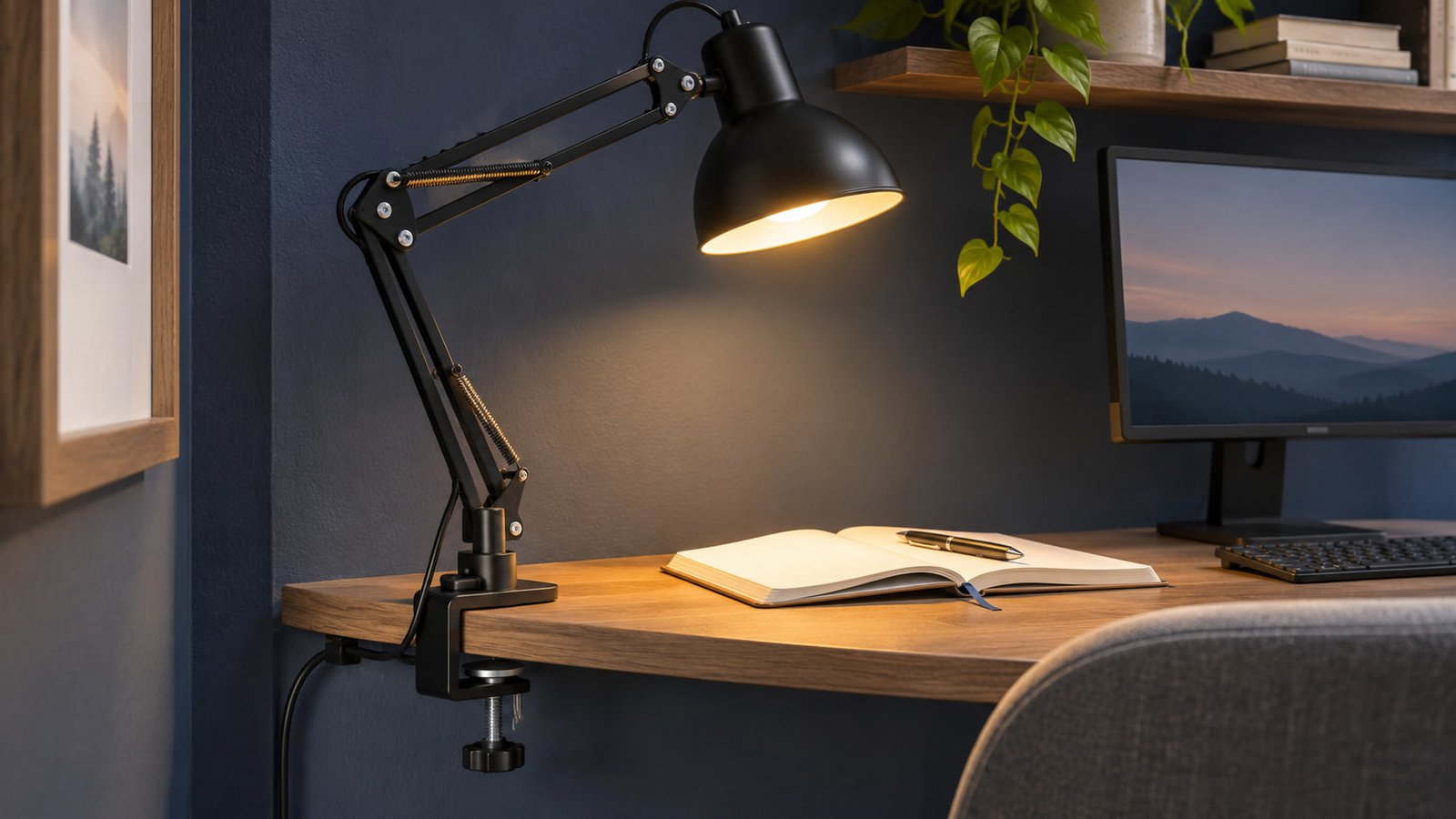
For a small home-office desk, a clamp lamp is useful when you need task light without sacrificing the surface used by your keyboard, notebook and monitor. Choose it by clamp compatibility, arm reach, glare control and the way it moves while you work, not by how dramatic its product photograph looks.
A clamp lamp is not automatically better than a small-base table lamp. If your desk has a thick apron, rounded edge, fragile finish or a back panel with no accessible lip, a clamp may not fit securely. The best lighting setup is the one that keeps the work surface visible without reflecting light into your screen.
Start with the desk edge
Take a close look under the desktop. Measure the thickness of the top, any frame or apron beneath it, and how much clear lip is available for a clamp to grip. Check for cables, grommets, monitor arms and wall clearance. Many desks have a generous tabletop but almost no suitable clamping surface.
Do not assume a product with a large advertised clamp opening will work around an apron or bevel. The upper and lower pads both need a stable contact area, the tightening knob needs room to turn, and the lamp must be compatible with the desk material according to its instructions. For glass, thin laminate, veneer and delicate finishes, follow the lamp and desk manufacturers’ guidance rather than improvising padding or overtightening the clamp.
Measure the space behind your monitor as well. Some articulated arms fold backward or swing toward the wall before they come over the work surface. A lamp that looks compact when folded in a store can require a large movement envelope.
Choose the right arm, not just the longest arm
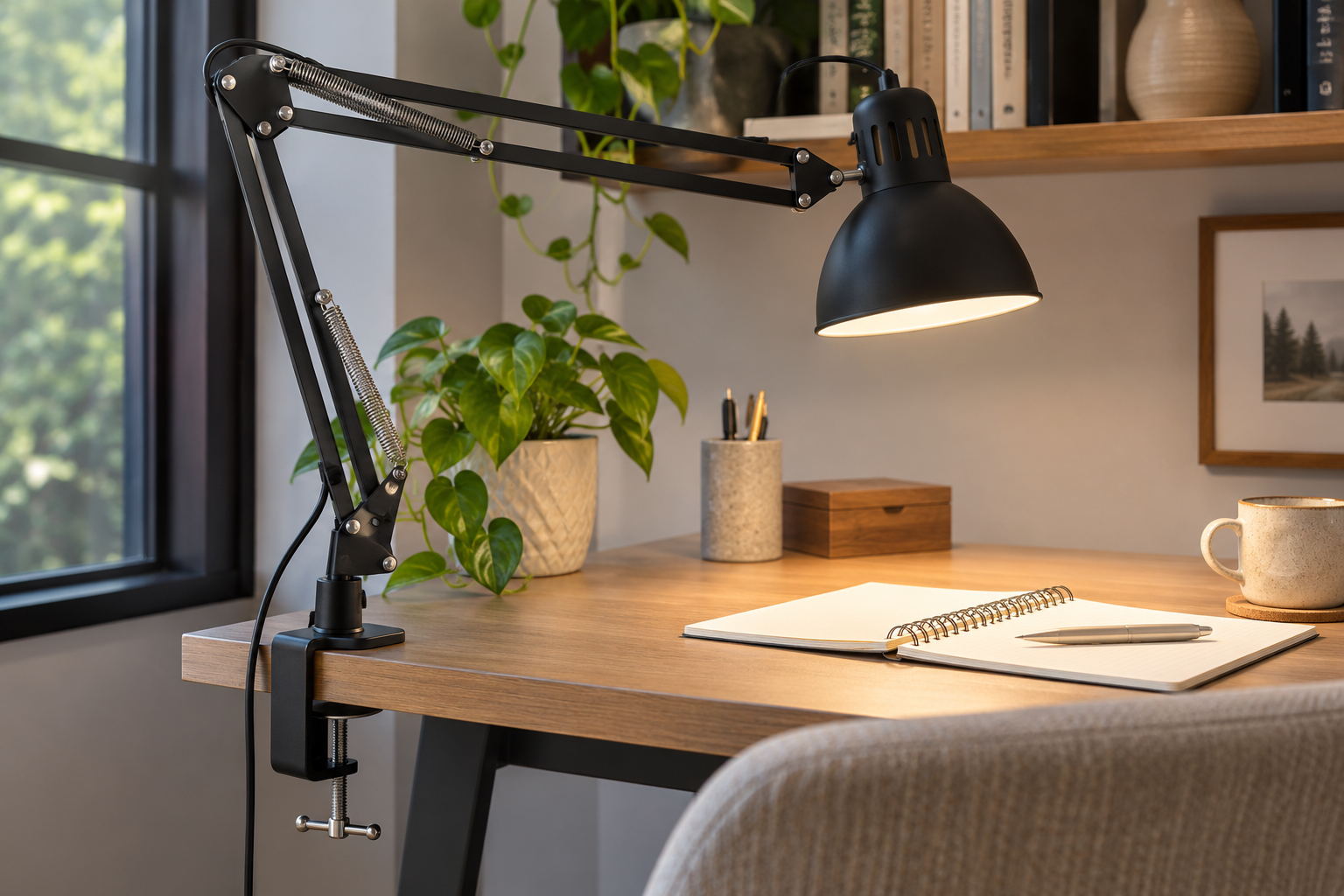
A long arm is useful for reaching across a wide desk, but can be inconvenient in a shallow corner. A short, fixed arm may leave the light head in the exact part of the desk where you need a notebook.
| Arm style | Useful when | Check before purchase |
|---|---|---|
| Short articulated arm | Compact laptop setup or reading spot | Whether it reaches the work without blocking the screen |
| Multi-joint arm | Desk alternates between writing, drawing and typing | Stability at full extension, movement clearance |
| Gooseneck | Small, frequently adjusted task area | Whether the neck holds its position after repositioning |
| Light bar with clamp | Broad, relatively even work-surface illumination | Mounting fit, glare shield and light distribution |
Reach is a functional measurement, not simply the total length of the arm segments. Look for product diagrams showing the lamp head at useful working positions rather than relying on a single extended-arm dimension.
Position task lighting to avoid screen reflections

For computer work, lighting should help you read paper and see the desk without creating bright reflections on the screen. The U.S. Occupational Safety and Health Administration recommends reducing glare from windows, overhead lights and desk lamps, and using supplemental task lighting appropriately. See OSHA’s workstation lighting and glare guidance.
Try placing the lamp to the side of the monitor with its light aimed at the notebook or work area, not toward the screen. If you can see the lamp head reflected in the display, move the arm or angle the head. Light placement should be adjusted for your handedness, desk shape and whether the screen has a glossy surface.
On a shared desk, the best clamp position is not necessarily the far rear corner. Test whether a side mount can illuminate the task without creating shadows from your writing hand. Our Home Office Lighting Guide explains how desk, ambient and video-call lighting should work together.
How much brightness and control do you need?
Look for a lamp with useful brightness adjustment rather than only an aggressive maximum setting. The needs of handwriting, careful detail work, casual reading and computer-only sessions differ. An adjustable output helps balance the paper and the monitor instead of making one look harsh.
Product pages may state lumens, watts or illuminance. Lumens describe light output from the product; illuminance depends on how far and where the light falls on your desk. The number alone does not tell you whether a specific desk will receive pleasant, even light. Compare maker-provided test conditions, light distribution and adjustment range when available.
A shade or diffuser matters as much as headline brightness. A small exposed bright LED directly in your field of view can be distracting even when the desktop is well lit. Choose a light head that shields the source while aiming light where it is needed.
Color temperature and accurate color
Warm and cooler white light can both be useful, depending on the work and the surrounding room. For late evening reading, many people prefer a warm setting; for detailed tasks, a neutral setting may feel clearer. Do not interpret a product’s marketing term such as “eye care” as proof of medical benefit.
If color accuracy is important for art, fabric selection or product photography, look for trustworthy color-rendering specifications. The U.S. Department of Energy’s LED basics explains the role and limitations of color-rendering metrics. A single “natural light” label without documentation is not enough to evaluate color fidelity.
USB-powered, rechargeable or wall-plug?
Wall-powered lamps are straightforward for a permanent desk with a nearby outlet. Measure the cord’s route and make sure it stays away from chair movement and monitor arms.
USB-powered lamps can help reduce dedicated outlets but still require a compatible and suitably rated power supply. Follow the maker’s requirements for input power and adapters.
Rechargeable clamp lamps are convenient where an outlet is awkward, but their usable brightness and battery performance should be evaluated against the actual task. Do not rely on an advertised runtime without checking which output mode was used to obtain it. Rechargeable products also need a safe location for charging.
Do not run extension cords beneath rugs or through a walkway to make a lamp reach the perfect spot. If there is no safe route, rethink the lamp position or choose an appropriately designed battery model.
Where should the clamp attach on a shallow desk?
On a narrow desk, the back edge is a natural candidate only if the lamp can fold into the wall clearance. A side clamp can reduce clutter behind the monitor, but may intrude into the chair path or the space for a second screen. A shelf clamp can work only if the shelf is designed and rated for that use.
Use painter’s tape to mark the projected arm swing. Set a mug, notebook and keyboard in their everyday positions. Move the chair and adjust the screen. If the lamp’s joints bump the monitor or force the notebook away from the comfortable area, the arm is poorly matched to the workspace.
For the rest of the desk layout, use our Desk Depth Guide to test monitor distance, keyboard space, cords and furniture fit.
When not to buy a clamp lamp
- Your desk edge is not mechanically compatible with the clamp.
- The desk finish can be damaged by the required clamping pressure.
- The screen and wall leave no practical arm movement clearance.
- You only need soft ambient light rather than focused work light.
- The lamp requires a cord route that creates a trip or snag hazard.
- A small-base or wall-mounted fixture would perform the same task with fewer compromises.
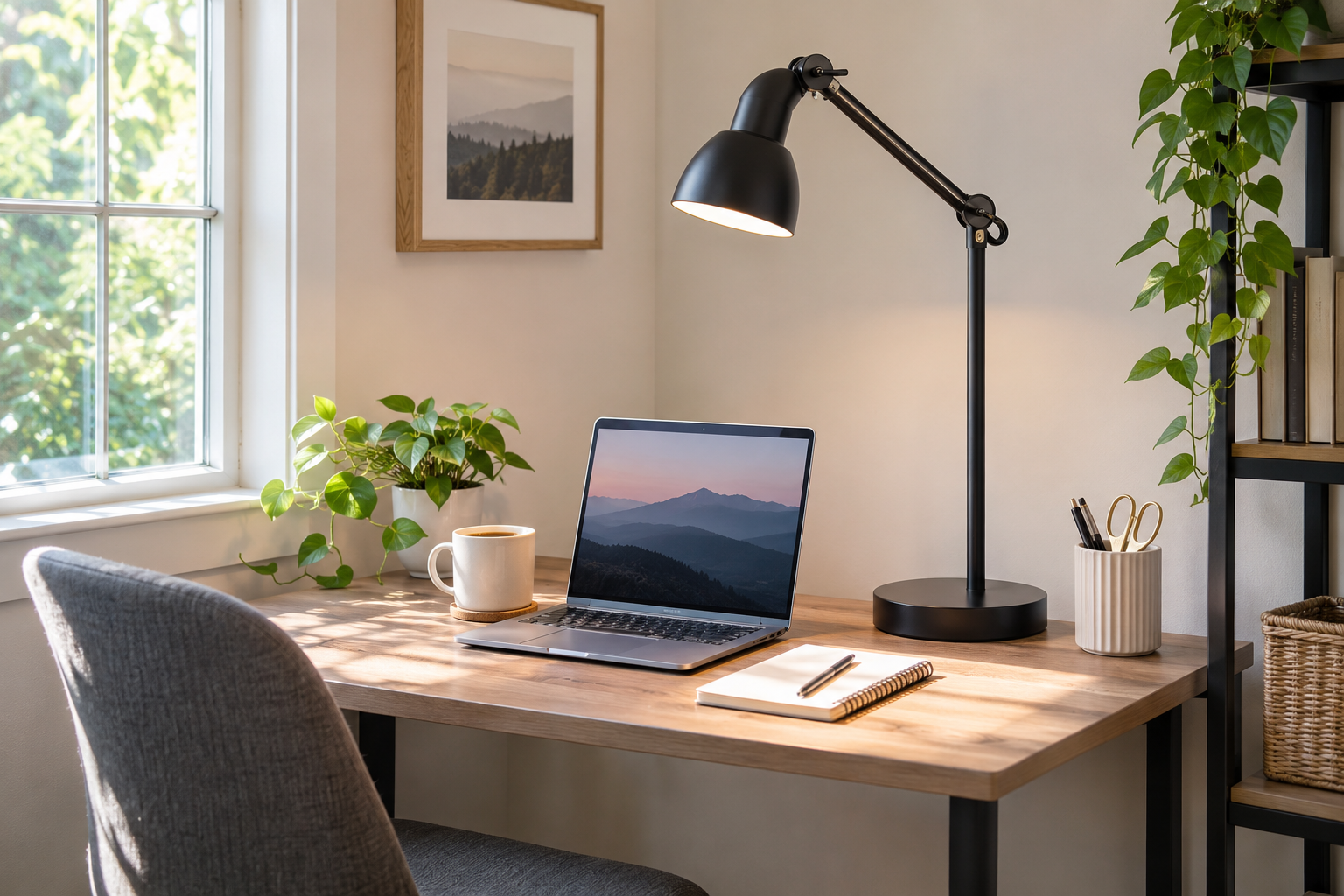
For a rental workspace, a small-base lamp may be easier than adapting the furniture or the wall. A clamp lamp can save desktop space, but that benefit is lost when its arm occupies the entire working zone.
Before choosing a product, compare these specifications
| Question | Why it matters |
|---|---|
| Minimum and maximum clamp opening? | Confirms whether it fits your actual top thickness |
| Required flat contact area? | Avoids insecure mounting on beveled or framed edges |
| Arm reach in usable positions? | Shows whether light reaches the notebook without crossing the monitor |
| Head articulation and shielding? | Controls reflections and direct glare |
| Brightness controls and diffuser? | Allows different tasks and room conditions |
| Power requirements and cord length? | Prevents unsuitable adapters and poor cable routes |
| Return and warranty terms? | Useful when clamp fit cannot be tested before delivery |
A five-minute desk mock-up
- Measure the exact clamp contact area and the wall gap.
- Mark the intended lamp position with tape.
- Mark the arm swing and light head above the normal work area.
- Sit at the desk and check the screen for expected reflections from that position.
- Confirm cable or charging access.
- Only then compare product models with published clamp and electrical requirements.
Clamp-lamp compatibility questions
Can a clamp lamp attach to any desk thickness?
No. Check the product’s stated clamp opening range against the actual edge thickness, including any lip, slanted apron, cable channel or decorative edge. A desk that looks thin from above may have a thicker mounting edge underneath.
What if the desk is glass, hollow-core or delicate veneer?
Do not assume a clamp is appropriate. Consult the desk and lamp manufacturers’ instructions for approved surfaces and pressure limits; if either is unclear, use a stable compact-base lamp rather than risk cracking, delamination or damage.
Is an extra-long articulated arm always better?
No. More reach can increase interference with screens and nearby shelves, and the load on the clamp may vary with arm position. Evaluate arm travel with a cardboard template and follow the manufacturer’s stability limits. Position the light so the source does not reflect directly in the monitor or shine into your eyes.
Fast pre-purchase fit checklist
- Measure desktop edge thickness and any underside frame lip.
- Check the clamp’s documented range and permitted surface materials.
- Simulate the arm’s full reach toward the keyboard, book or work area.
- Confirm the light and cable stay clear of screens, cabinets and doors.
- Verify the fixture’s correct adapter, light controls and heat/safety instructions.
Bottom line
For a small desk, prioritize a secure clamp, a light head that can be aimed away from the screen and enough articulation to reach the actual work. Adjustable brightness is useful, but mechanical fit and glare control come first. If your desk cannot safely take a clamp, choose a suitable small-base lamp instead.
Keep working