Home Office Lighting
The best home-office lighting plan separates screen comfort, task visibility and video-call lighting instead of asking one ceiling fixture to do everything. Glare usually appears when a bright source reflects directly in the screen or sits in the eye’s field of view. Video calls create a different problem: the face needs soft frontal light without turning the monitor into a mirror.
Start with the desk and window relationship → control direct daylight → add task light → add low-level ambient light → test the screen → test video calls → adjust after dark.
1. Position the desk relative to windows
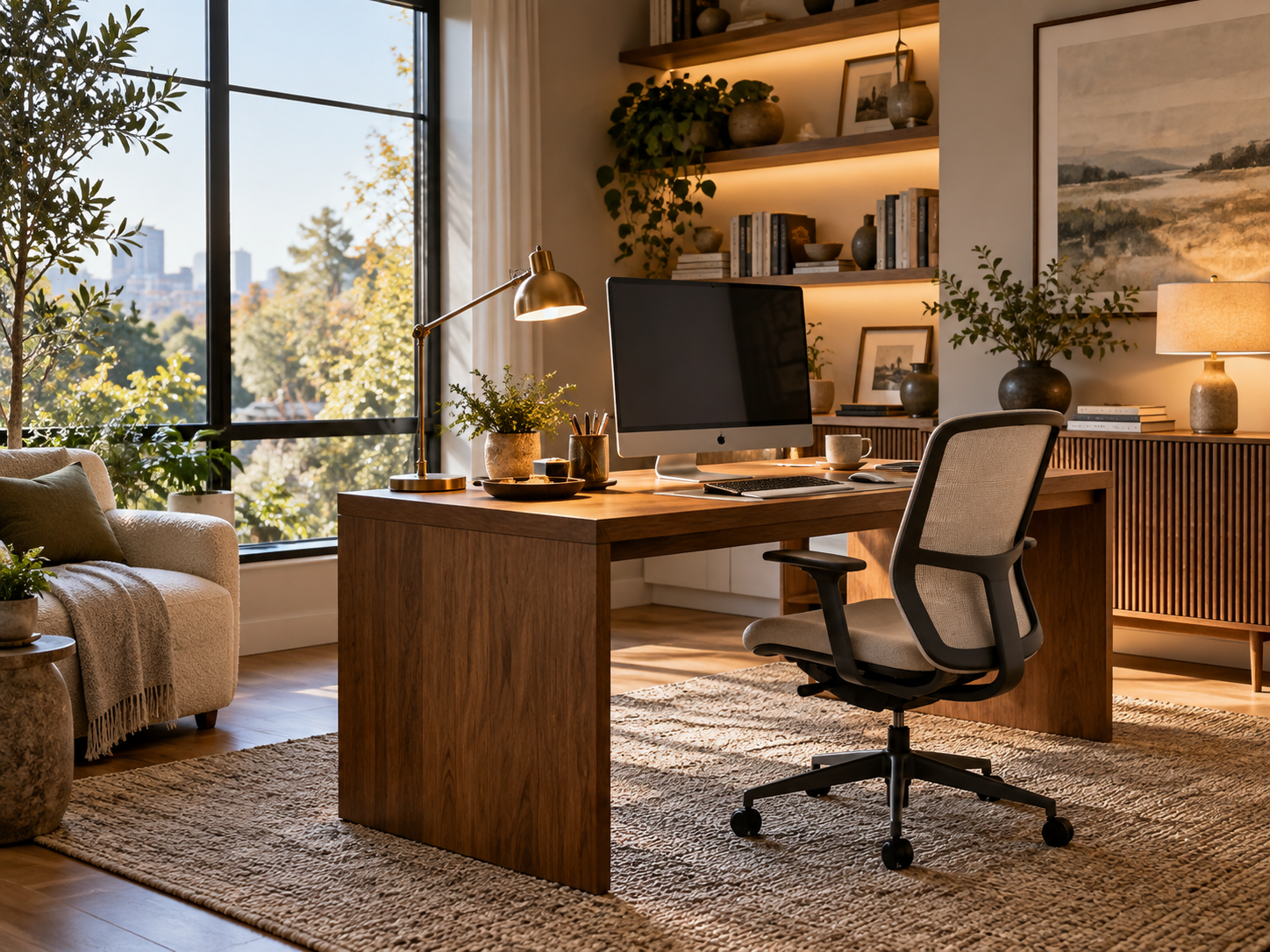
A screen facing a bright window can create a strong contrast between the display and the background, while a window directly behind you can reflect on glossy screens. A side-on relationship is often easier to control.
Use blinds, shades or curtains to soften direct sun rather than relying on permanent darkness. The goal is adjustable daylight that changes with time of day.
2. Control brightness around the monitor
The area immediately behind and beside the screen should not be dramatically brighter than the display. A soft wall wash, shaded lamp or diffuse daylight can reduce the visual jump between screen and room.
Avoid placing an exposed bulb directly in the line of sight. Even a stylish lamp becomes tiring if the source is visible for hours.
3. Add a task light for paper and detail work
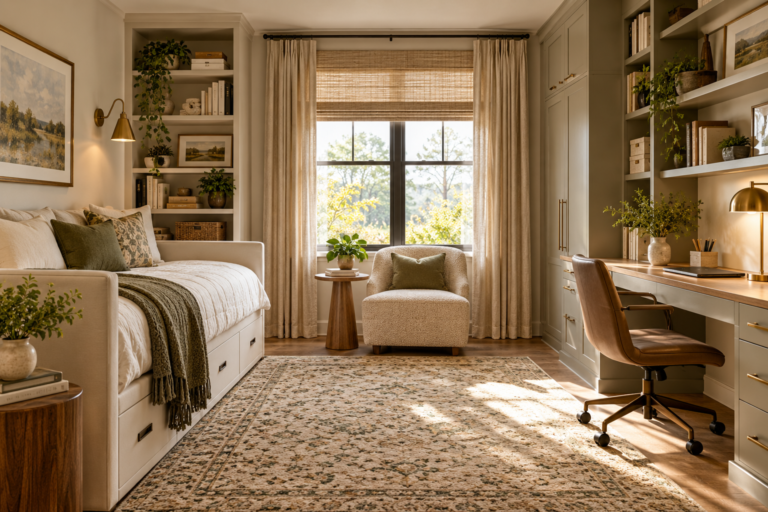
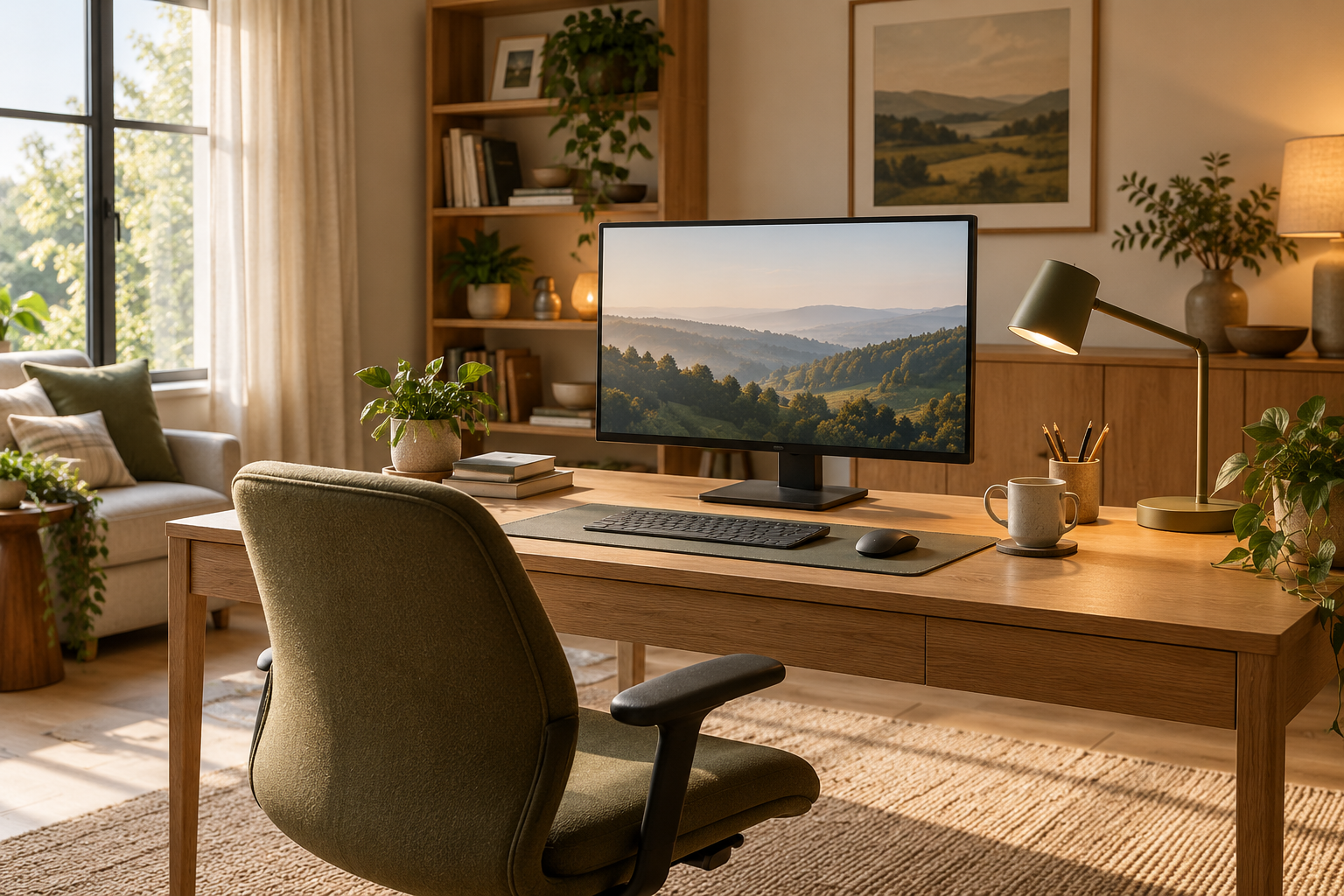
Task lighting should illuminate the keyboard, notebook or craft area without shining into the screen. An adjustable lamp placed to the side lets you aim light where it is needed while keeping reflections under control.
Right-handed users often prefer the lamp on the left and left-handed users on the right when writing, but test your own work pattern rather than treating that as a rule.
4. Use ambient light after dark
Working in a dark room with a bright monitor can feel harsh. A low-level ceiling light, floor lamp or wall light can keep the room from collapsing into a bright rectangle surrounded by darkness.
Choose shielded fixtures and warm-to-neutral light that supports alertness without making the room feel clinical.
5. Test video-call lighting separately
For calls, the face generally looks better with a broad, soft source near the camera axis rather than a small bright lamp from one side. A window can work during the day if the exposure remains stable.
Check the actual camera preview. Eyeglasses, glossy skin and screen reflections can change what looks balanced in person.
6. Reduce reflections before replacing the monitor
Tilt, height and screen angle can often solve a reflection that seems like a lighting problem. Move the screen a few degrees and observe whether the bright source leaves the reflection path.
Matte screens help in some rooms, but they do not compensate for a lamp or window positioned directly in the reflection angle.
7. Create day and night settings
The office may need one lighting arrangement at noon and another at 8 p.m. Use independent controls for task and ambient layers so you can reduce unnecessary brightness without losing useful illumination.
Save the brightest setting for work that needs it. A flexible lighting system is usually more comfortable than one fixed scene.
Home-office lighting checklist
| Layer | Main job | What to check |
|---|---|---|
| Daylight | General illumination | Direct sun, reflections, controllability |
| Task light | Desk work | Shielding, angle, screen reflection |
| Ambient light | Room brightness | Comfort after dark, visible bulbs |
| Video light | Face illumination | Softness, camera angle, glasses glare |
| Screen position | Glare control | Window and lamp reflection paths |
Before you buy or install
- View the monitor from your normal seated position.
- Check the room in morning, afternoon and evening light.
- Use adjustable window treatments where needed.
- Aim task light away from the screen.
- Test the real webcam preview.
- Keep light controls independent where practical.
Related Dwelanor guides
- Home Office Design Guide
- Home Lighting Guide
- Window Treatment Guide
- Under-Cabinet Lighting Guide
- Small Space Design Guide
- Dark Hallway Lighting Guide
FAQ
Should a monitor face a window?
Usually it is easier to manage glare when the monitor is not directly facing or backing onto a bright window. Side daylight is often more controllable.
Is a ring light necessary for video calls?
No. Any broad, soft, well-positioned light can work. A ring light is only one tool and can create visible reflections in glasses.
Should the room be dark when using a monitor?
Not usually. A small amount of ambient light can reduce the contrast between the bright screen and the surrounding room.
Bottom line
Build the office lighting around placement and control. Side daylight, a shielded task light, comfortable ambient light and a separate video-call check solve more problems than simply making the room brighter.