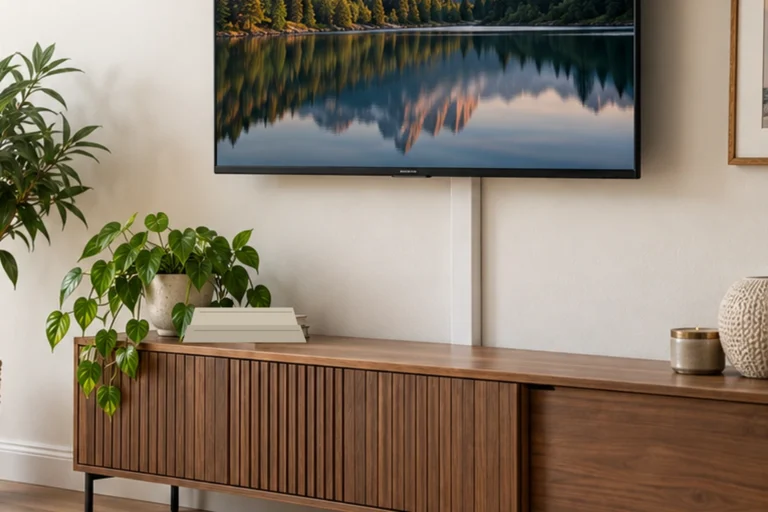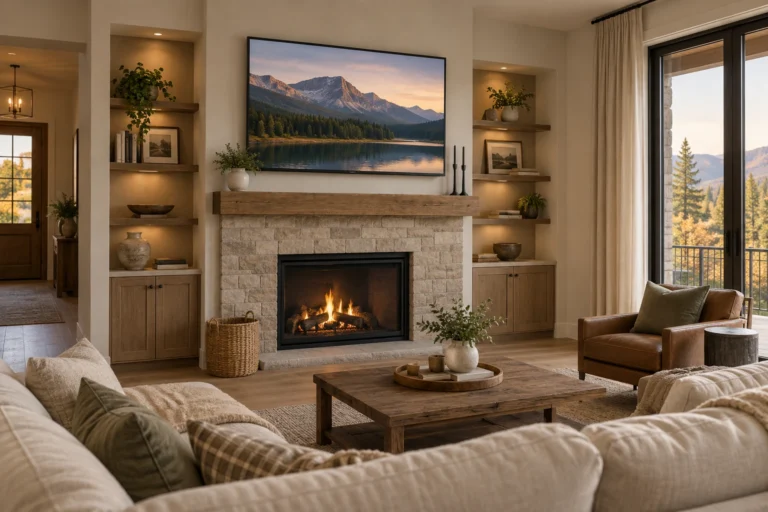
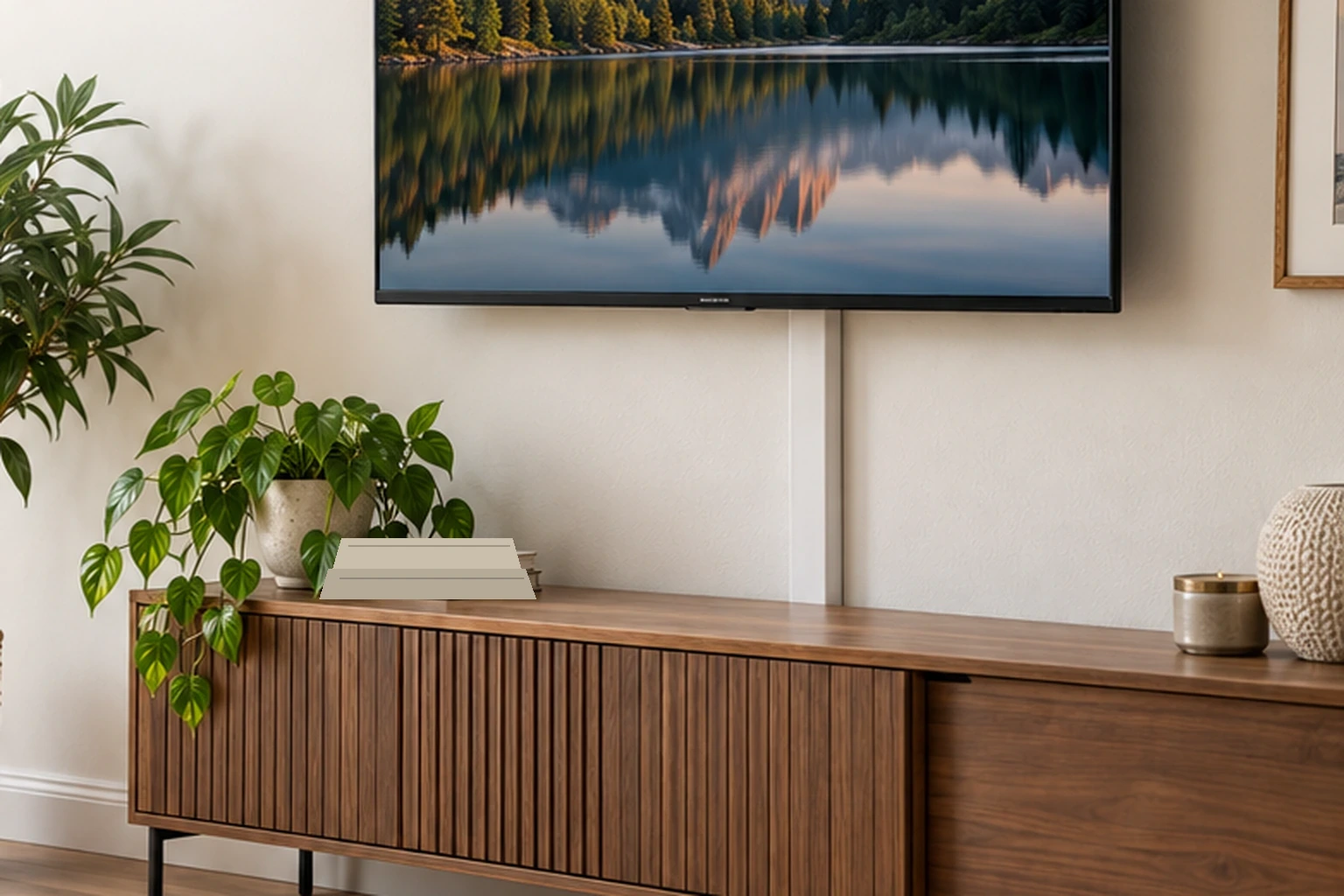
A home theater blends with the rest of the room when the screen, seating, speakers, lighting, storage and cable paths are planned as one interior system. The goal is not to hide every piece of technology. It is to make the equipment feel intentional without compromising viewing, ventilation, access or sound.
The useful planning chain is room geometry → screen → seating → speaker system → equipment ventilation → lighting → cable routing → storage → finishes.
Decide whether this is a living room or a dedicated theater
A multipurpose living room has different priorities from a dedicated cinema room.
In a living room, the system needs to coexist with conversation, daylight, normal furniture and daily circulation. A TV with a soundbar or compact speaker system may integrate more easily than a large projector and many visible speakers.
In a dedicated room, you can prioritize screen size, acoustic treatment, darker finishes and more complex speaker layouts because the room has fewer competing jobs.
Dolby’s current home theater guidance also emphasizes that there is no one-size-fits-all setup. Room size, shape, seating and speaker positions determine the appropriate system. See Dolby’s home theater setup guide.
Choose the screen wall from sightlines and glare
The best screen wall is the one that gives the primary seats a direct view, works with the room’s circulation and minimizes problematic reflections.
A large window directly opposite a television can create glare. A screen mounted across a narrow walkway can make the room difficult to use. A fireplace may create height and heat conflicts.
Resolve those conditions before deciding how to decorate the wall.
Set screen size and viewing distance together
Screen size should be judged from the actual seating position, not from the wall size alone.
Our sofa-to-TV distance guide explains how field of view, screen size and seating distance interact. Use that relationship before choosing the media console or built-ins.
Set the screen height from seated sightlines
A television should be comfortable to watch from the main seating position. Very high placement can force viewers to look upward for long periods.
Fireplace installations need extra care because both heat and viewing height can become constraints. See our TV above a fireplace guide for that specific layout.
Choose the audio system before designing cabinetry
A soundbar, 2.1 system, 5.1 system and Dolby Atmos setup all have different placement requirements.
Dolby recommends choosing a central listening position and using its specific speaker-layout guides for the chosen configuration rather than placing speakers simply where they are easiest to hide. Dolby publishes layout guides for multiple speaker configurations.
This matters because a cabinet that looks beautifully symmetrical can still interfere with speaker placement or block the path between a speaker and the listening area.
A soundbar can be the cleanest living-room solution
In a multipurpose room, a soundbar can reduce visual clutter while improving sound compared with relying only on the television’s speakers.
Check the soundbar’s width, height, mounting instructions and whether it blocks the lower portion of the screen or the TV’s sensors. If a subwoofer or rear speakers are part of the system, plan their locations too.
Freestanding speakers do not need to disappear
Good speakers can be treated like intentional room objects. Their finish can relate to the media console, wood furniture or wall color.
Do not squeeze speakers into undersized shelves or push them behind decorative objects just to hide them. Follow the speaker manufacturer’s placement and clearance recommendations.
In-wall and in-ceiling speakers require more planning
Built-in speakers can reduce visual clutter, but installation affects walls, ceilings, wiring and sometimes insulation or fire-rated assemblies.
Use the exact speaker installation requirements and have concealed wiring or overhead installation handled appropriately. Dolby specifically recommends experienced professional installation for overhead speaker systems. See Dolby’s surround speaker guidance.
Keep equipment ventilation visible to the design process
Receivers, game consoles, streaming devices, amplifiers and projectors produce heat. A closed cabinet is not automatically a good hiding place.
Use the manufacturer’s ventilation and clearance requirements for each device. If cabinetry is used, provide the airflow and service access required by the equipment rather than sealing components behind decorative doors.
Do not stack components tightly unless their manufacturers allow that arrangement.
Make the media console wide enough for the whole system
The media console needs to support more than the television visually. It may need space for:
- receiver or amplifier;
- game console;
- streaming device;
- center speaker or soundbar;
- network equipment;
- controllers and remotes;
- ventilation gaps;
- cable routing.
Measure every component, including connectors and cable bend space, before ordering furniture.
Closed storage is useful only when access remains easy
Doors and drawers can hide controllers, discs and accessories. Electronics themselves need appropriate ventilation and signal access.
A cabinet that requires removing shelves every time a cable changes will become frustrating. Plan removable backs, cable openings or service zones where appropriate.
Cable management should be planned, not improvised
Keep power, signal and network routing deliberate. Avoid loose extension cords across walkways or signal cables pinched behind furniture.
For wall-mounted TVs on plaster, see our TV wire concealment guide for safer planning and when professional help is appropriate.
Do not run ordinary power cords inside walls unless the cord and installation method are specifically listed for that use.
Use darker finishes strategically, not automatically
A darker surface around the screen can reduce visual contrast between a bright display and a pale wall, especially in a dedicated viewing room. But the entire living room does not need to become black.
Charcoal, deep green, brown, navy or muted plaster tones can help the media wall feel quieter while still belonging to the rest of the home.
In a brighter living room, a medium-tone wall may integrate the TV more naturally than a dramatically dark feature wall.
Control daylight with the window, not just the screen settings
Strong daylight can wash out a projected image and create reflections on televisions.
Use blinds, shades or curtains to control the window when needed. For a residential look, our Window Treatment Guide explains how to combine attractive face fabric with useful light control.
Layer lighting for everyday and viewing modes
The room should not rely on one bright ceiling fixture.
Useful layers can include:
- ambient ceiling or wall lighting;
- table or floor lamps for everyday use;
- low-level pathway lighting in a dedicated room;
- dimmable lighting where the fixtures and controls support it.
During viewing, reduce direct glare on the screen and avoid fixtures that shine into viewers’ eyes.
Accent lighting should not become the focal point
LED strips can emphasize cabinetry or create low-level ambient light, but overly bright colored lighting can compete with the screen and make the room feel more like a gaming display than an integrated living space.
Use accent lighting sparingly and keep wiring, power supplies and controllers accessible.
Acoustic treatment should solve a measured problem
Rugs, curtains and upholstered furniture can reduce some reflections in a room with many hard surfaces, but they do not replace a properly designed acoustic system.
If the room has serious echo, bass buildup or uneven surround performance, use measurement, calibration or an experienced audio professional rather than placing random foam tiles on walls.
Dolby’s speaker guidance notes that reducing large areas of bare wall and floor can help create a more balanced listening environment, but speaker placement and system configuration remain fundamental. See Dolby’s setup advice.
Make acoustic panels look intentional
Where acoustic panels are actually needed, fabric-covered panels can be coordinated with the room palette or arranged as a restrained wall composition.
Do not choose panel thickness, quantity or placement purely for appearance. The acoustic requirement should determine the treatment first.
Furniture should preserve the primary viewing axis
Arrange the main seats so viewers can see the screen comfortably. Secondary chairs can sit at angles if the room also needs conversation seating.
Do not force every chair to face the screen permanently in a living room that has several uses. A swivel chair can help a multipurpose space change between conversation and viewing.
For seating scale and reach, use the Furniture Sizing Guide and test the main viewing position with the actual chair or sofa dimensions.
Ottomans and coffee tables need to work with viewing
A tall coffee table or oversized decor can block the lower portion of the screen from some seats. Keep central surfaces low enough for the actual sightlines and easy enough to move when the room changes use.
If an ottoman replaces the coffee table, a tray can provide a stable surface for drinks. See our ottoman tray guide.
Hide the router without suffocating it
Network equipment often ends up in the media zone. It needs ventilation and a reasonable signal path.
Our router concealment guide explains how to reduce visual clutter without sealing equipment inside an inappropriate container.
Projectors require their own installation plan
A projector is not simply a television mounted on the ceiling. Throw distance, lens position, screen geometry, ventilation, power, signal routing and service access all matter.
Use the exact projector manufacturer’s installation calculator and manual. Do not build a decorative projector box or sealed ceiling housing unless the manufacturer approves the ventilation and installation conditions.
Keep upgrades easy
Technology changes faster than cabinetry. Avoid designing millwork so tightly around one receiver, console or television that replacing the equipment requires rebuilding the room.
Leave sensible cable access, ventilation and dimensional tolerance where possible.
A practical planning sequence
- Define whether the room is dedicated or multipurpose.
- Choose the screen wall.
- Set screen size, viewing distance and height.
- Choose the audio configuration.
- Place speakers according to the system guidance.
- Measure all equipment and ventilation needs.
- Plan power, network and signal paths.
- Choose media storage around those requirements.
- Control daylight and screen glare.
- Layer the room lighting.
- Add finishes and decor only after the system works.
For related living-room planning, see our sofa-to-TV distance guide, Living Room Design Guide, and the Dwelanor Room Guides.