The safest way to hide a router is to reduce its visual impact without enclosing it so tightly that heat builds up or the Wi-Fi signal suffers. Start with placement and ventilation first, then use furniture or decor to make the equipment less noticeable.
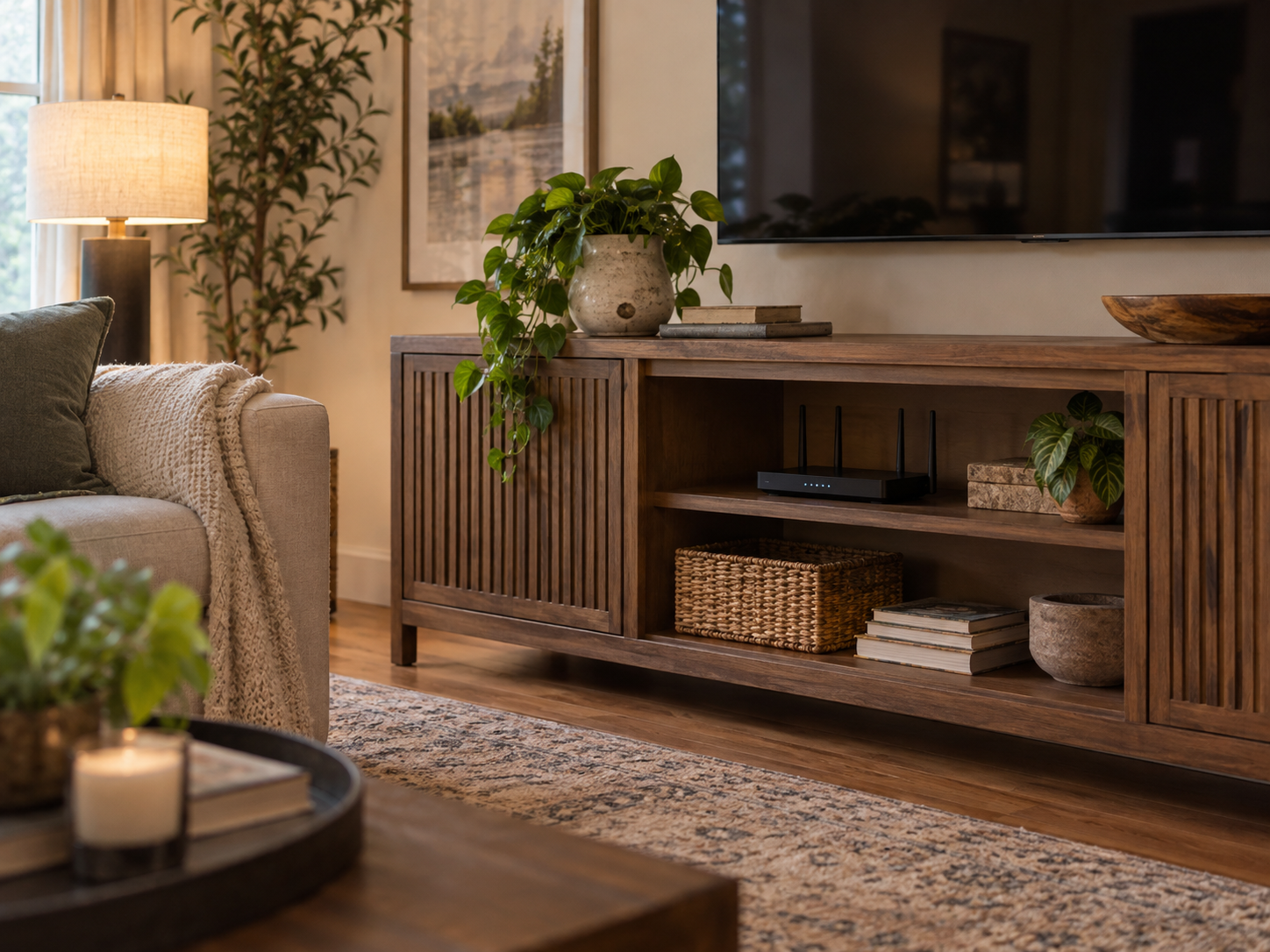
Do not seal the router inside a closed box
Routers and modems generate heat and need the ventilation described by their manufacturers. Avoid fully enclosed decorative boxes, sealed cabinets, fabric wraps, or other covers that block vents. The U.S. Consumer Product Safety Commission’s home electrical safety checklist similarly warns against enclosing electronic equipment without adequate openings because blocked airflow can contribute to overheating. See the CPSC home electrical safety checklist.
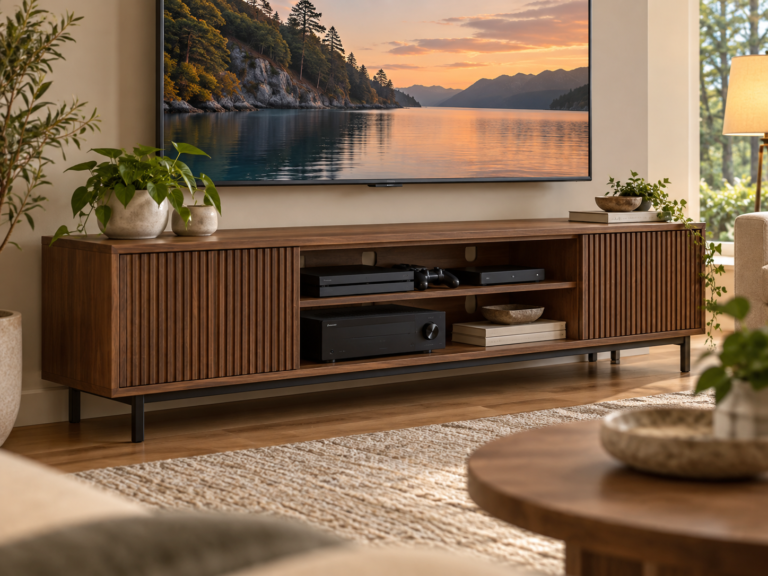
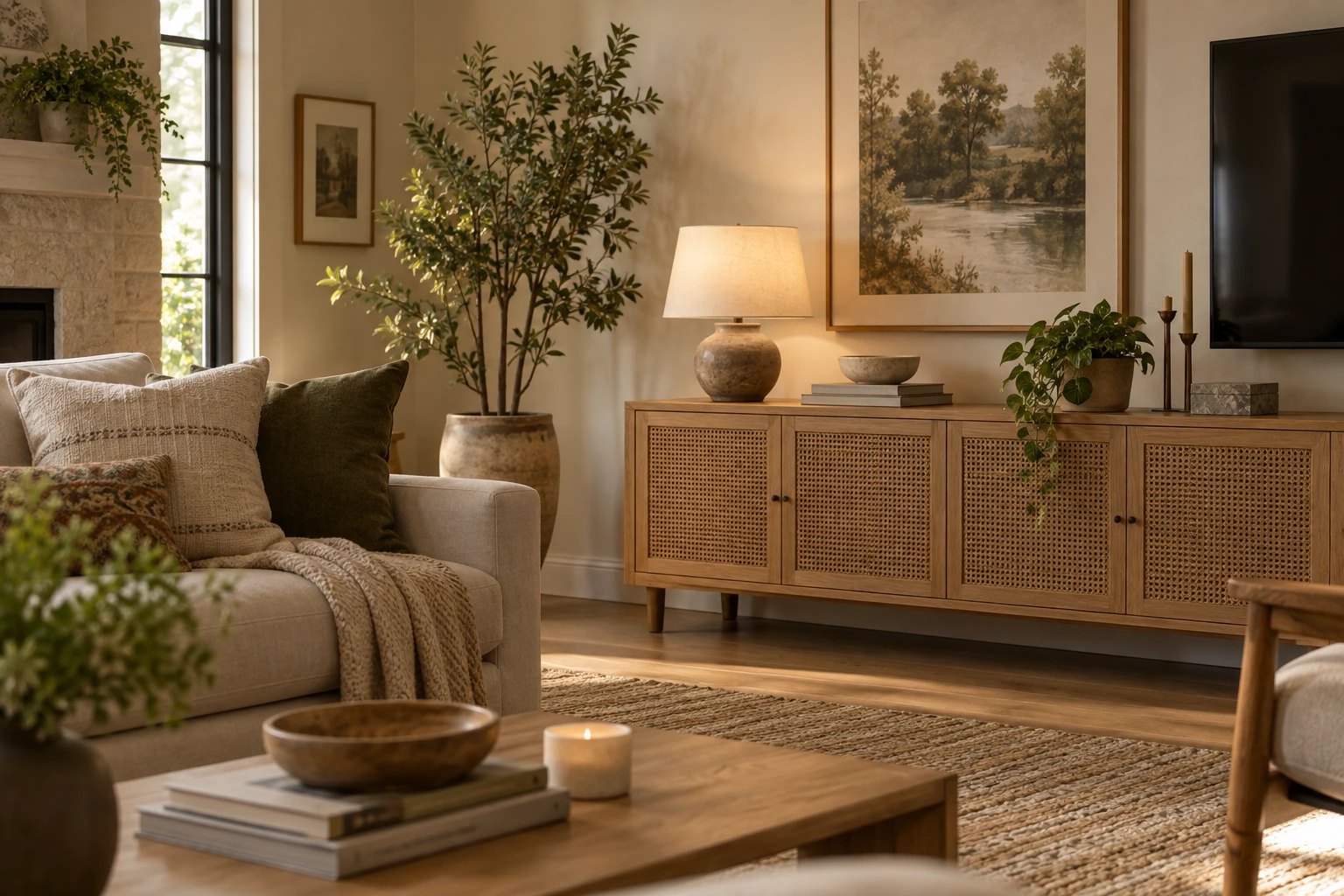
If you place networking equipment in furniture, use an open shelf, slatted door, perforated panel, or another setup with generous airflow around the device.
Keep the router in a useful Wi-Fi location
Concealment should not push the router into a poor signal location. In many homes, a relatively central and elevated position gives better coverage than a low corner or a spot behind several dense walls.
Signal behavior depends on the router, home layout, wall materials, nearby electronics, and client devices. Test real performance after moving it instead of relying on a fixed distance rule.
Avoid metal enclosures
Metal can significantly interfere with radio signals. Do not place a Wi-Fi router inside a metal cabinet or behind large metal panels unless the manufacturer explicitly supports that installation.
Wood, open shelving, and many non-metallic furniture pieces are generally easier to work around, but you should still test coverage in the rooms that matter.
Use decor around the router, not on top of it
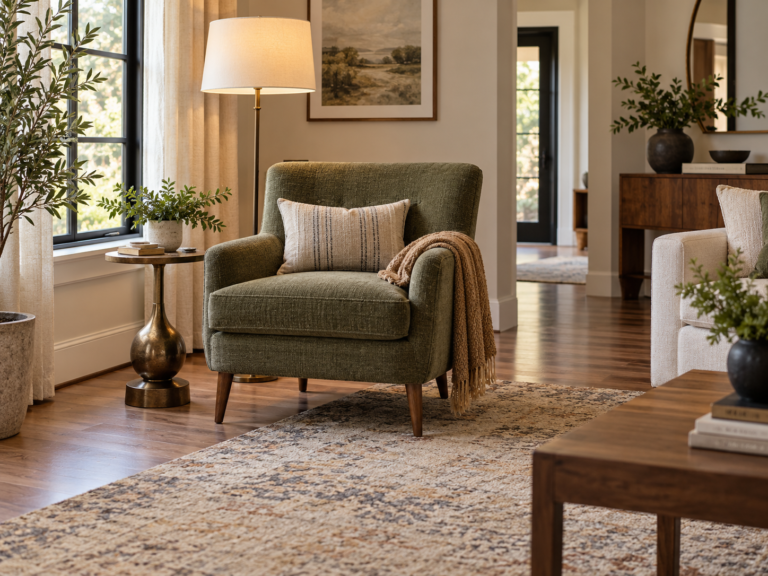
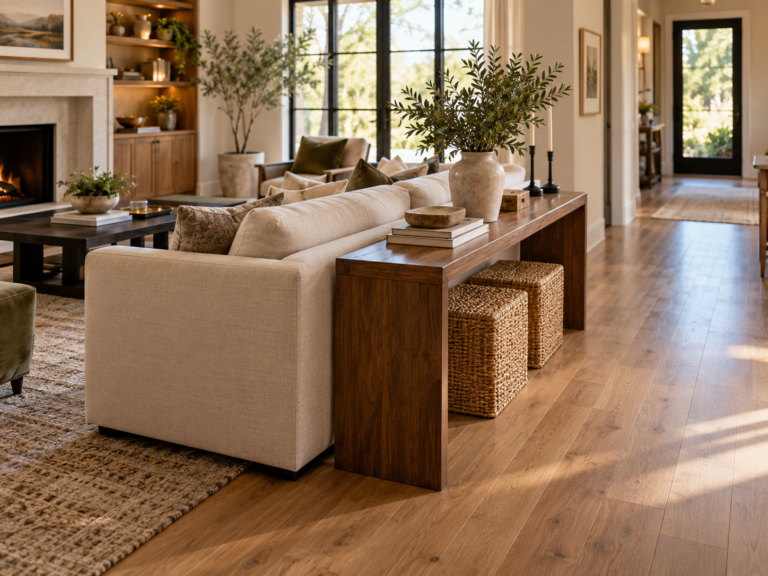
A stack of books, a framed print, a plant placed beside the device, or a small tray for nearby accessories can make the setup feel intentional. Keep objects far enough away that they do not cover ventilation slots, press against antennas, or make the equipment difficult to reset.
Avoid placing plants where watering could drip onto networking equipment or power adapters.
Cable management makes the biggest visual difference
Most router setups look messy because of power, Ethernet, coaxial, or fiber cables rather than the router itself.
- Use removable cable clips or a paintable raceway where appropriate.
- Keep power cords free of tight bends, crushing, and trip hazards.
- Do not tightly coil excess power cable around adapters or networking equipment.
- Leave enough slack to move the router for service or reset access.
Keep heat sources and moisture away
Do not hide the router next to radiators, heating vents, direct intense sun, or other equipment that raises ambient temperature. Also keep it away from wet areas and containers that can spill.
Follow the manufacturer’s operating-temperature and clearance guidance for the exact model.
Test before you commit to the final setup
After moving or concealing the router, check the devices and rooms that matter most. Look at connection stability, not just one speed-test result.
If coverage gets worse, move the router back into a more open position or consider a properly placed mesh or access-point system rather than hiding the main router deeper inside furniture.
Make service access easy
Routers occasionally need a restart, cable check, firmware update, or replacement. Keep the status lights, power connection, reset controls, and label information accessible enough that troubleshooting does not require dismantling the room.
For related living-room planning, see our Home Theater Design Guide, Furniture Sizing Guide, and the Dwelanor Room Guides.