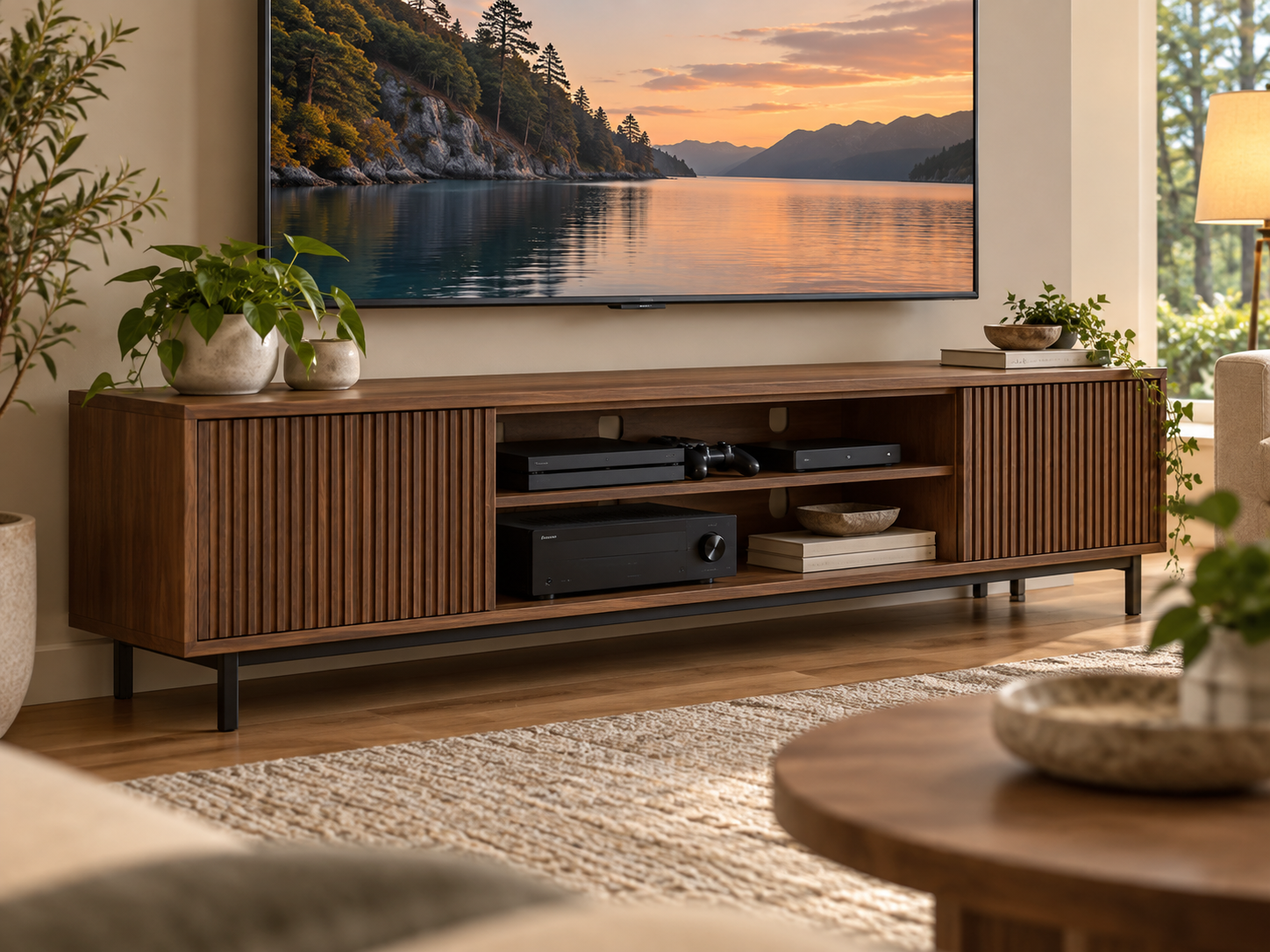
Media Storage
Media-console depth should be chosen from the deepest device plus its connectors, cable bend and ventilation needs. A shallow cabinet may look elegant but becomes frustrating when a game console, receiver or router has to sit crooked, overhang the shelf or run hot behind a closed door.
Inventory devices → measure body depth → add connector space → check airflow → plan shelves and doors → route cables → preserve service access → test room depth.
1. Inventory every device first
List the TV accessories that will live in the console: game systems, receiver, streaming box, router, modem, power strip and any external storage. Measure the actual unit or use the current manufacturer dimensions.
Separate devices that must remain visible for remotes or wireless signals from equipment that can sit behind a door.
2. Add connector and cable space
HDMI, power and network plugs project beyond the device body. Stiff cables also need room to bend without being crushed against the back panel.
A rear cable channel or open back can make a shallow unit more workable than a nominally deeper cabinet with a solid panel.
3. Follow each device’s ventilation instructions
Electronics produce heat differently. Use the manufacturer’s installation and ventilation guidance for the exact console, receiver or networking device rather than assuming every component needs the same gap.
If a device repeatedly feels hot inside a cabinet, solve the airflow problem rather than simply hiding it behind a closed door.
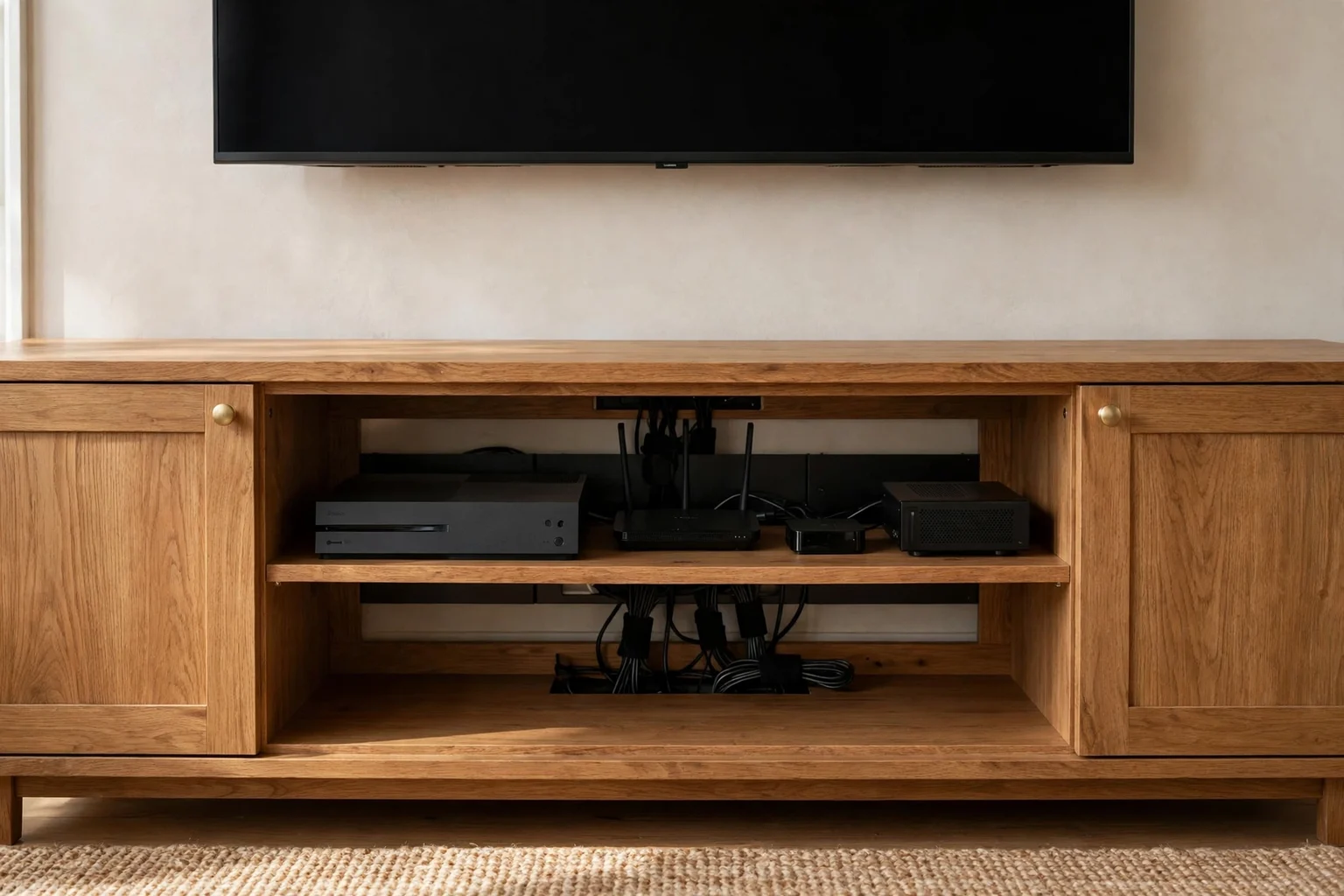
4. Prefer useful openings over decorative slots
Open shelves, perforated doors and real rear openings can allow air and cables to move. Tiny decorative holes may not provide enough airflow for heat-producing equipment.
Keep openings clear of books, baskets and dust buildup that can undo the intended ventilation.
5. Check shelf width and height too
Depth is only one dimension. Controllers, vertical game consoles and receivers can need more height or width than expected, especially when cables enter from the side or top.
Adjustable shelves give more flexibility as devices change over time.
6. Plan power distribution safely
Use an appropriately rated power strip or surge device and keep it accessible. Avoid packing excess cord into a hot, closed compartment or pinching plugs behind the cabinet.
Keep power and low-voltage cable routing organized enough that a single device can be unplugged without dismantling the whole setup.
7. Preserve service access
Routers need resets, game systems need ports and receivers need cable changes. A console that requires removing the television or pulling the entire cabinet forward for routine access is poorly planned.
Removable backs, generous openings and labeled cables make future changes much easier.
8. Check furniture depth against the room
After establishing the minimum technical depth, tape the console footprint on the floor. Make sure it does not narrow a passage or project awkwardly past adjacent furniture.
A wall-mounted console can reduce visual bulk, but it still needs the same device and cable depth internally.
Planning table
| Check | What to measure | Why it matters |
|---|---|---|
| Device body | Deepest equipment chassis | Sets base shelf depth |
| Connectors | Plug and cable projection | Adds rear space |
| Airflow | Manufacturer-required ventilation | Protects equipment |
| Openings | Rear/door ventilation and cable holes | Determines practical airflow |
| Room | Finished cabinet depth in circulation | Prevents furniture conflict |
Related Dwelanor guides
- TV Console Size Guide — coordinate overall width and height
- Home Theater Design Guide — integrate media equipment
- TV Wire Guide — plan cable routes safely
- Router Hiding Guide — keep networking equipment usable
- Living Room Design Guide — fit the console into the seating plan
- Furniture Sizing Guide — test finished cabinet footprint
Bottom line
A media console is deep enough only when the electronics can operate normally inside it. Size from the deepest device plus cables and airflow, then confirm the finished cabinet still works with the living-room circulation.