What’s the best way to hide a bulky router in a minimalist living room?
Keeping your living space clean and clutter-free can feel challenging when tech gadgets like routers demand attention. I’ve faced this struggle myself. My own router used to stick out like a sore thumb against my clean walls.
This matters because modern life requires good internet. But your home should still feel peaceful and put together. You don’t have to choose between function and style.
After testing many approaches, I found clever solutions that work. These methods are simple and affordable. They keep your connection strong while maintaining your aesthetic.
Every room layout is different. But there’s an idea for various spaces. From decorative tricks to smart furniture choices, balance is achievable.
I’ll share practical tips you can use right away. Let’s explore how to blend technology seamlessly into your beautiful home.
Key Takeaways
- Maintain a clean look without sacrificing internet performance
- Simple solutions exist for various room layouts and styles
- Affordable options can effectively conceal necessary technology
- Balance between aesthetics and functionality is achievable
- Practical methods work immediately without complex installation
- Both decorative and furniture-based approaches are available
- Personal testing confirms what actually works in real homes
Why Hiding Your Router Matters for a Minimalist Aesthetic
Modern technology creates an interesting tension with minimalist design principles that value simplicity above all. Our digital devices serve essential functions yet often disrupt the visual harmony we work so hard to create. Finding balance becomes crucial for maintaining both connectivity and calm.
This isn’t about eliminating technology but rather integrating it thoughtfully. The goal is creating spaces that serve our needs while preserving their peaceful essence. Thoughtful placement makes all the difference in achieving this delicate equilibrium.
The Clash Between Technology and Minimalist Decor
Minimalism celebrates clean spaces and intentional objects. Modern routers with blinking lights and tangled cables represent the exact opposite aesthetic. They demand attention through visual noise rather than blending seamlessly.
I noticed how my black plastic router became the unintended focal point in my living room. Its flashing lights drew eyes away from my carefully chosen artwork and furniture. The constant visual activity disrupted the calm atmosphere I wanted to create.
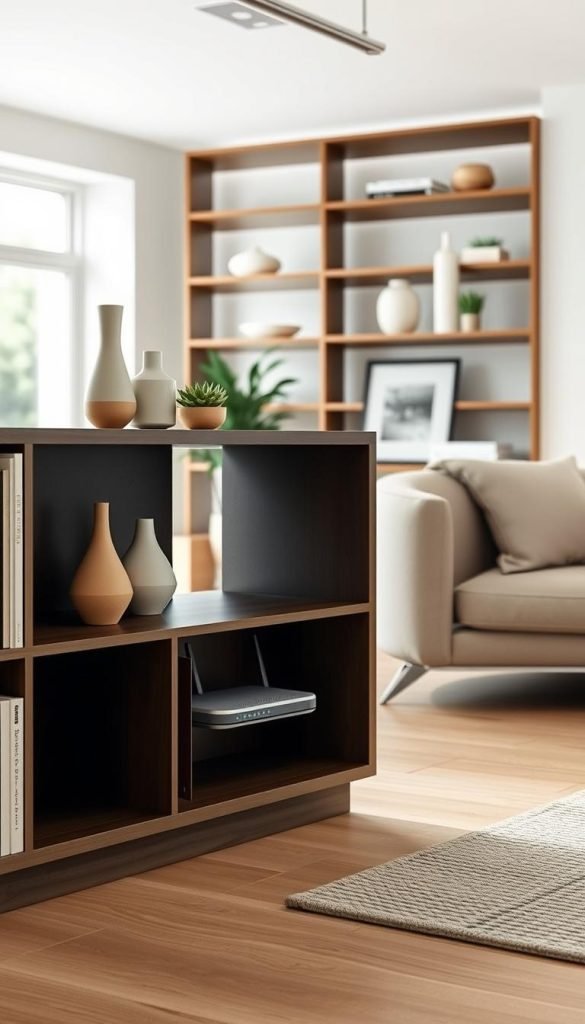
How a Visible Router Disrupts Your Clean Lines
Clean lines form the foundation of minimalist design. A visible router interrupts these lines with its bulky shape and multiple cables. It creates visual chaos where there should be visual flow.
Psychological studies show that visual clutter increases stress levels. The peaceful atmosphere minimalism aims to create gets compromised when technology dominates the space. Your mind constantly processes these visual interruptions even when you’re not consciously noticing them.
Guests often notice technology first when it’s visibly displayed. They comment on the router instead of your intentional decor choices. This shifts attention from your beautiful space to functional necessities.
My Personal Journey With Router Clutter
My own experience taught me how much router placement affects enjoyment of a space. I spent months designing my living area only to have a bulky router undermine the entire effect. It sat there like an uninvited guest at every gathering.
I realized hiding technology isn’t about being deceptive. It’s about creating intentional visual hierarchy. You choose what deserves attention and what serves quietly in the background.
Different router sizes present unique challenges in various room layouts. My large unit required creative thinking beyond simply tucking it away. The solution needed to maintain signal strength while preserving aesthetics.
This pursuit matters even if you’re not a strict minimalist. Anyone wanting a cleaner looking space benefits from these considerations. Creating harmonious environments improves daily living for all people in the home.
Practical solutions exist, as shown in this guide to concealing routers while maintaining signal. The right approach blends technology seamlessly into your beautiful decor.
What’s the Best Way to Hide a Bulky Router? Start With These Solutions
Before concealing any device, thoughtful planning ensures your internet connection remains strong and reliable. I learned this through trial and error in my own home. The right approach balances aesthetics with technical performance.
Key considerations before choosing your hiding method
Your Wi-Fi signal quality should guide placement decisions from the start. I discovered that even small location changes impact connectivity dramatically. Testing different spots helps find the sweet spot.
Building materials affect signal penetration more than you might expect. Concrete walls and brick surfaces can significantly reduce coverage range. Metal objects and appliances create additional interference.
I tested various locations throughout my home using speed test apps. Moving the unit just a few feet sometimes doubled my download speeds. This experimentation revealed optimal placement options.
Central placement often delivers the best whole-home coverage despite concealment challenges. This positioning distributes signal more evenly across all rooms. It’s worth finding creative solutions for central locations.
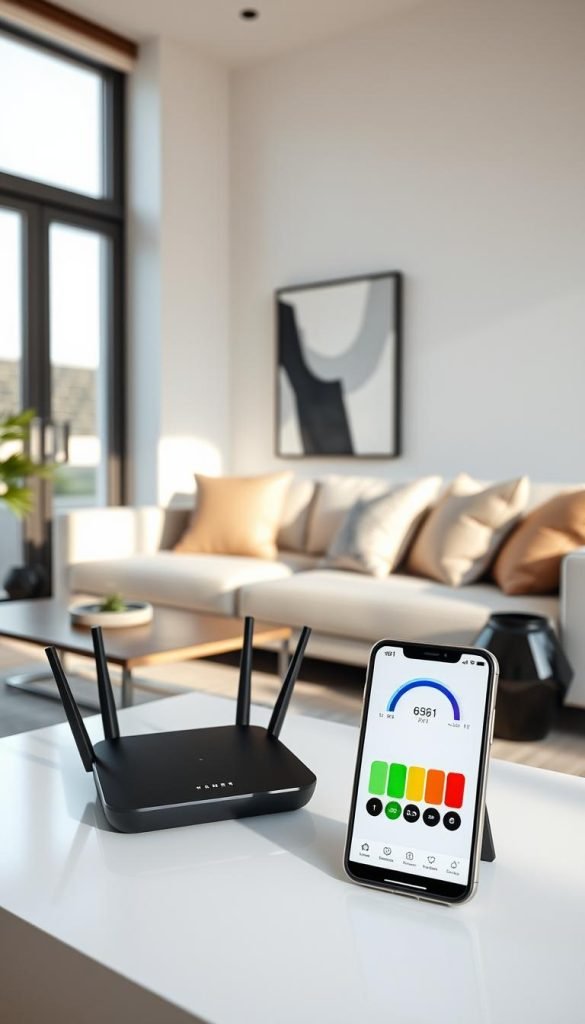
Why signal strength and ventilation matter most
Routers generate substantial heat during operation that requires proper dissipation. Overheating can damage components and reduce equipment lifespan. Adequate airflow prevents these issues while maintaining performance.
Modern units differ from older models in both heat output and range capabilities. Newer devices often run hotter but offer better coverage. This affects concealment options and ventilation needs.
Power outlet locations and cable length influence practical implementation choices. Extension cords can create tripping hazards and visual clutter. Planning around existing electrical access points saves frustration.
Always test signal strength before finalizing any concealment solution. Use your phone’s Wi-Fi analyzer or speed test applications. This ensures your chosen method won’t compromise internet quality.
As one network expert noted,
“The perfect hiding spot means nothing if you can’t stream your favorite shows”
Finding balance between aesthetics and functionality requires patience. But the result—seamless technology integration—makes the effort worthwhile. Your space can look beautiful while performing flawlessly.
Using Decorative Baskets and Boxes for Discreet Storage
Decorative containers offer an elegant solution for concealing technology while maintaining your room’s aesthetic. I tested several options to find which work best for different decor styles. These solutions balance visual appeal with practical functionality.
Sleek Modern Crates With Excellent Ventilation
Modern crates provide outstanding airflow while hiding your equipment beautifully. The Hay Recycled Colour Crate performed exceptionally well during my testing. Its open design allowed my modem to breathe freely while maintaining strong signal strength.
Large handle openings make cable management simple and clean. You can thread power cords and Ethernet cables through these gaps effortlessly. This maintains a tidy appearance without compromising connectivity.
Polypropylene materials offer durability while remaining lightweight. These crates withstand daily use while complementing contemporary interiors. Their neutral colors blend seamlessly with various color schemes.
Rustic Wicker Baskets That Blend With Decor
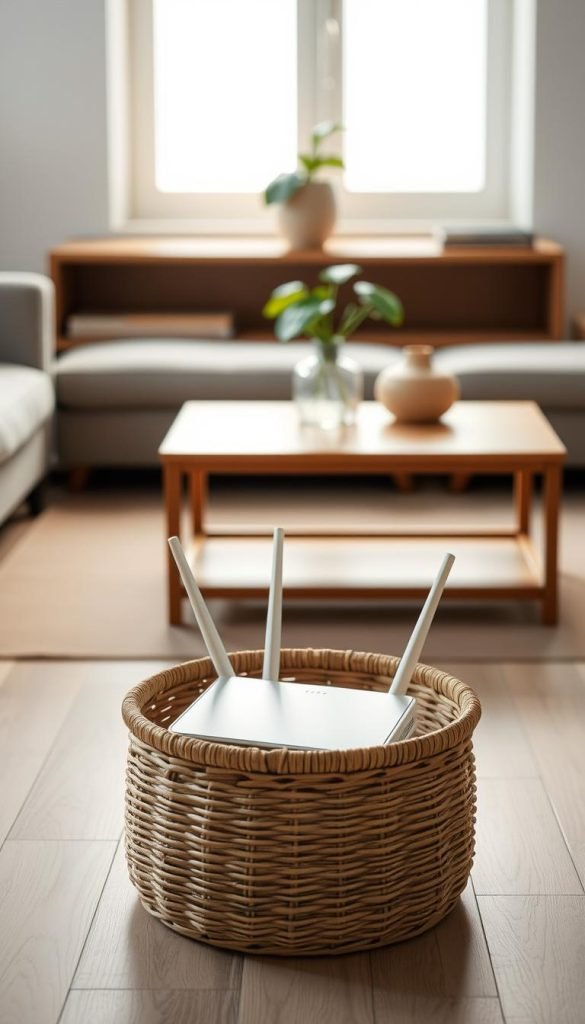
Natural fiber baskets add warmth and texture to your space while concealing technology. I found wonderful options at Target that camouflaged my equipment perfectly. Their woven construction had minimal impact on Wi-Fi performance during testing.
These baskets bring organic charm to modern or traditional settings. You can find various sizes to accommodate both router and modem if needed. The natural materials create visual interest while serving practical purposes.
Placement flexibility makes wicker solutions particularly versatile. They work well on shelves, console tables, or directly on the floor. This adaptability helps them integrate into any room layout.
Lidded Bamboo Boxes for Complete Concealment
For those seeking total invisibility, lidded boxes provide maximum coverage. The IKEA Smarra bamboo box offers complete concealment but requires minor modifications. I carefully drilled small holes in the back for cable access.
During heavy usage periods, I noticed slight performance impacts with enclosed options. Heat buildup becomes a consideration with fully covered solutions. Monitor your equipment temperature during initial use.
Bamboo construction offers sustainable beauty with natural grain variations. These boxes work exceptionally well in spaces where visual purity matters most. They transform necessary technology into decorative elements.
When choosing any container, ensure adequate space for proper ventilation. Measure your equipment before selecting storage solutions. Allow extra room for heat dissipation and future upgrades.
Creative cable management maintains clean aesthetics regardless of your chosen method. Thread wires through existing openings or create discreet passages. This attention to detail completes the seamless integration.
Furniture Solutions: Cabinets and Shelving Units
Your existing furniture offers excellent opportunities for discreet technology integration. I discovered several clever approaches that maintain both style and function. These solutions work with pieces you might already own.
Stylish Storage Cabinets With Proper Airflow
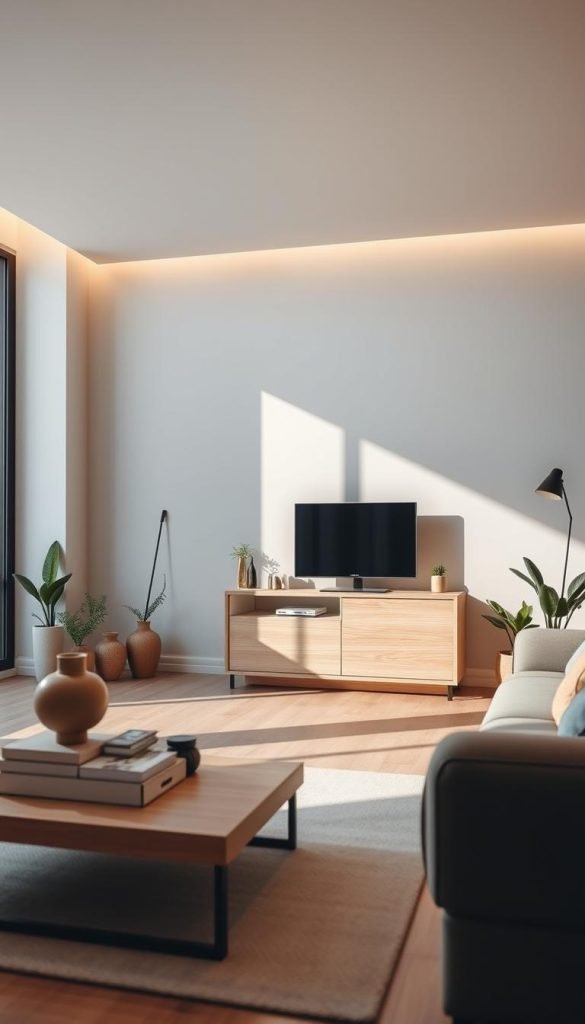
Modern cabinets provide ideal concealment for networking equipment. I found that units with mesh panels or slatted doors work best. They allow heat to escape while keeping devices out of sight.
My favorite solution involved a simple IKEA cabinet with solid doors. I carefully drilled ventilation holes in the back panel. This created necessary airflow without compromising the clean exterior.
Always ensure your cabinet has enough space for proper heat dissipation. Leave several inches around all sides of your equipment. This prevents overheating during extended use.
Accessibility remains crucial for maintenance and resetting devices. Choose cabinets with doors that open fully. You’ll appreciate easy access when troubleshooting connection issues.
Bookshelf Placement Among Your Favorite Reads
Bookshelves offer natural concealment with built-in ventilation. I positioned my modem between book stacks on a middle shelf. The surrounding volumes created perfect visual camouflage.
This placement provides ideal height for signal distribution throughout your room. The elevated position helps waves travel unobstructed. My connection improved noticeably after this adjustment.
Natural air pockets between books prevent overheating concerns. The irregular spacing allows heat to dissipate naturally. This creates a self-ventilating environment for your equipment.
Arrange books creatively around your devices. Leave some space for proper airflow while maintaining the concealed appearance. The result looks intentional rather than hidden.
Behind Furniture: Sofas and Large Pieces
Placing devices behind substantial furniture works surprisingly well. My large sofa completely hides my networking equipment from view. The signal passes through most materials without significant loss.
Test different placements to find the optimal position. I moved my unit along the wall behind the sofa. Signal strength remained consistent through various locations.
Avoid metal-framed furniture that can interfere with transmission. Wood and fabric materials generally allow good signal penetration. My tests showed minimal impact from these materials.
Keep cables organized and secured along baseboards. Use adhesive clips to route wires neatly against walls. This prevents tangling and maintains clean lines.
| Furniture Type | Signal Impact | Ventilation Needs | Best Use Case |
|---|---|---|---|
| Wood Cabinet | Low | Medium (add holes) | Formal living spaces |
| Bookshelf | Very Low | Natural airflow | Home offices |
| Behind Sofa | Low-Medium | Excellent | Small apartments |
| Metal Cabinet | High (avoid) | Poor | Not recommended |
Always test your connection after implementing any furniture solution. Run speed tests from various locations in your home. This ensures your creative concealment doesn’t compromise performance.
As one interior designer noted,
“Good design hides the necessary while celebrating the beautiful”
Choose pieces that complement your existing decor while serving this practical purpose. The right furniture solution makes technology disappear into your beautiful space.
Creative Camouflage Techniques for Your Router
Sometimes the most effective solutions come from everyday items you already own. I discovered that ordinary household objects can transform into brilliant concealment tools. These approaches blend technology seamlessly into your existing decor.
Each method maintains strong signal performance while enhancing your space visually. They work particularly well for renters who need non-permanent solutions. You can implement these ideas immediately without special tools.
Using Decorative Plants as Natural Covers
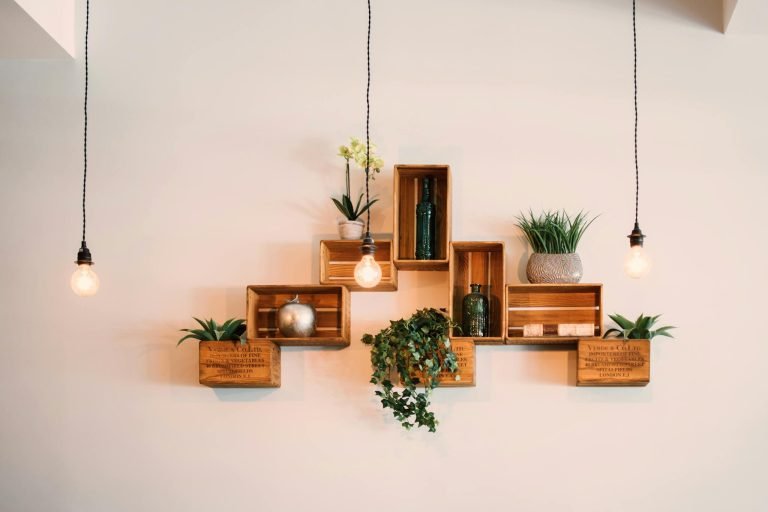
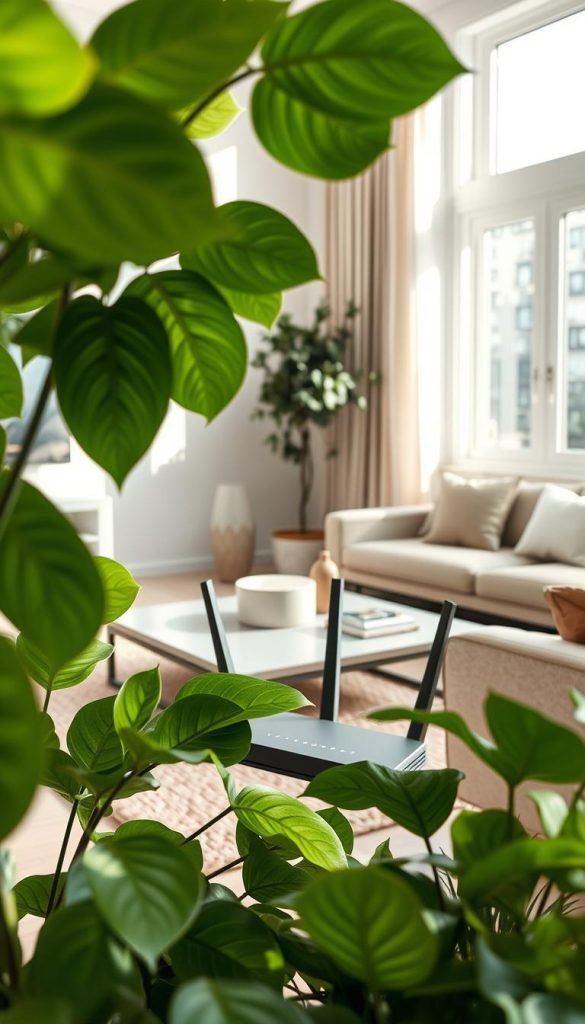
Greenery offers beautiful coverage that doesn’t interfere with Wi-Fi signals. I tested various plants near my networking equipment with excellent results. The foliage creates natural visual barriers while allowing signals to pass freely.
Certain plants actually benefit from the gentle warmth routers produce. Near drafty windows, this warmth protects sensitive plants from cold drafts. My peace lily thrived while concealing my modem perfectly.
Choose plants with adequate height and fullness for optimal coverage. Snake plants and ZZ plants work wonderfully for taller equipment. Smaller succulents effectively hide compact units on shelves.
Ensure proper spacing between leaves and equipment vents. Maintain several inches for air circulation. This prevents overheating while creating natural camouflage.
Behind Photo Frame Displays
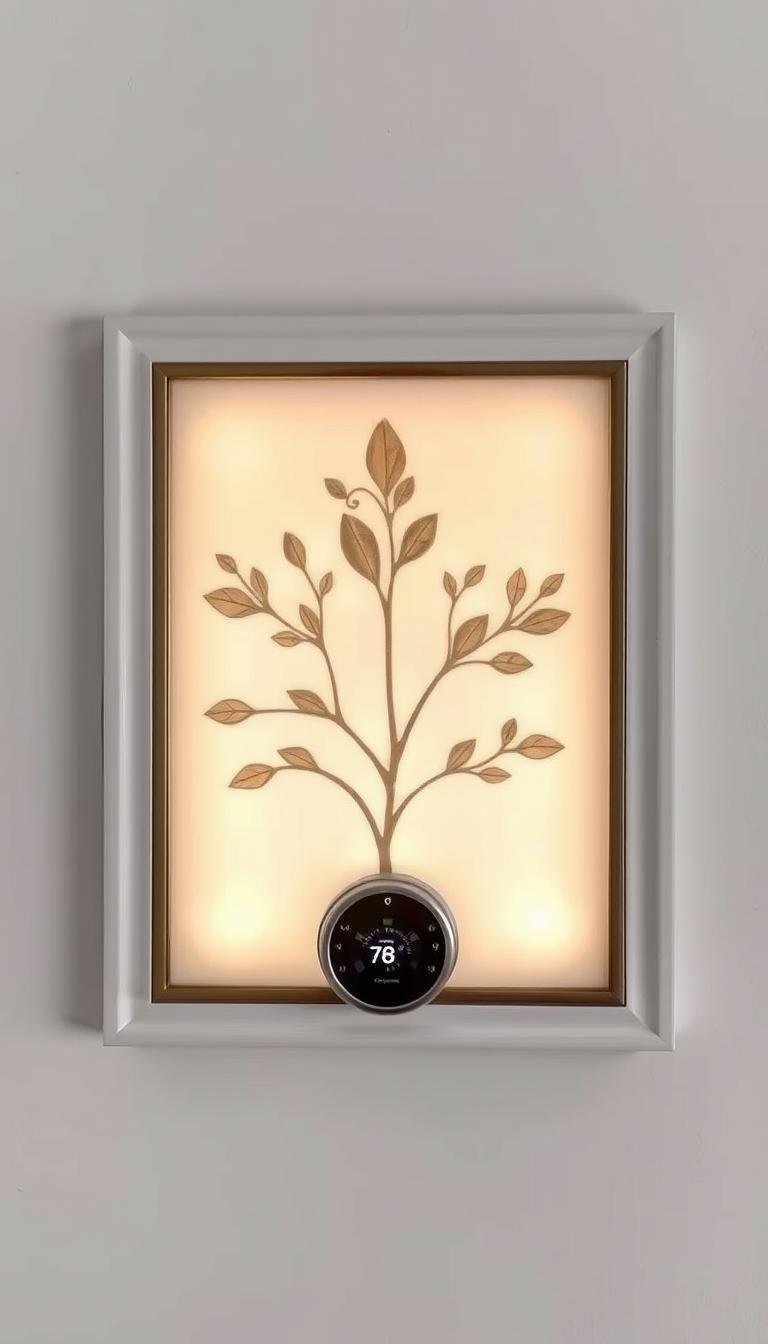
Photo arrangements create personalized concealment that reflects your style. I arranged frames strategically to completely hide my equipment. The collection tells my story while serving practical purposes.
Larger frames work best for concealing bulkier units. Position them at slight angles for depth and dimension. This creates shadow spaces that hide blinking lights effectively.
Mix frame sizes and orientations for visual interest. Place taller frames toward the back for better coverage. The layered effect looks intentional rather than functional.
Leave small gaps between frames for ventilation. This maintains airflow while keeping equipment completely hidden. The result looks like a curated gallery wall.
Window Curtain Concealment
Window treatments offer budget-friendly concealment using existing elements. I found curtain placement works exceptionally well in many rooms. The fabric minimizes visibility while allowing signal transmission.
This approach often places equipment near power outlets conveniently. Many windows have accessible electrical sources nearby. This reduces cable clutter across your floor.
Choose lighter fabrics that don’t impede Wi-Fi signals heavily. Sheer curtains work particularly well for this purpose. They provide coverage without significant signal reduction.
Ensure equipment doesn’t overheat behind curtain layers. Leave space between the unit and window glass. Monitor temperature during initial testing periods.
These methods work beautifully individually or combined together. I often use plants alongside photo arrangements for enhanced coverage. The layered approach effectively conceals even large equipment.
Remember that proper ventilation remains crucial for all concealment methods. Test your connection speed after implementing any solution. This ensures your creative camouflage maintains performance.
As one interior designer shared with me,
“The most successful designs make necessities disappear into beauty”
These techniques help achieve that perfect balance in your home. They transform functional objects into integrated design elements seamlessly.
Practical Considerations for Router Placement and Cable Management
Getting your equipment placement right makes all the difference between frustration and flawless performance. I learned this through careful experimentation in my own home. Proper setup ensures both beautiful aesthetics and reliable connectivity.
Small adjustments often yield significant improvements in daily use. Thoughtful planning prevents common issues before they arise. Your space can function perfectly while looking pristine.
Finding the optimal location for signal strength
Testing potential spots before final placement saves countless headaches. I use my phone’s Wi-Fi analyzer app to check signal strength throughout my home. This reveals dead zones and optimal coverage areas.
Central locations usually provide the best whole-home coverage. Elevated positions help signals travel more effectively. Avoid placing equipment near the floor where signals must fight through furniture.
Make sure to test during different times of day. Network congestion varies with neighborhood usage patterns. Evening tests often show different results than midday checks.
Organizing cables through basket handles and openings
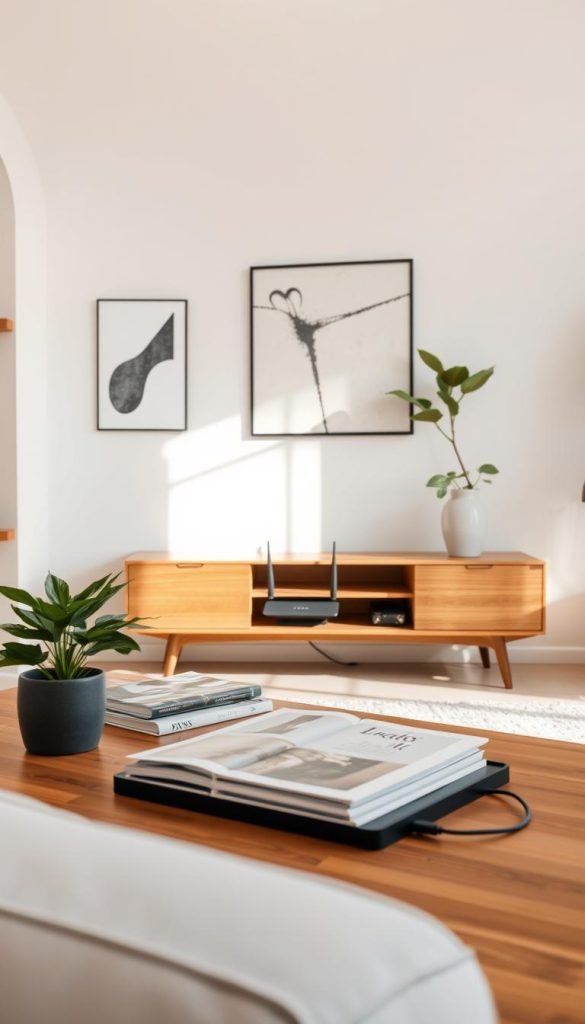
Creative cable management transforms necessary wires into neat arrangements. I thread cables through existing basket handles and openings for clean results. This maintains airflow while keeping everything tidy.
Different cable types require specific handling approaches. Ethernet cables benefit from gentle curves rather than sharp bends. Power cords need secure connections without tension on the plugs.
Adhesive clips along baseboards keep wires invisible yet accessible. These small solutions make big visual differences. They prevent tripping hazards while maintaining clean lines.
Avoiding metal objects and heat sources
Metal surfaces and electronics create significant interference with Wi-Fi signals. I keep my equipment away from metal furniture and appliances. This simple precaution maintains strong internet performance.
Heat sources cause equipment overheating and performance degradation. Avoid placing routers near radiators or sunny windows. Proper ventilation extends device lifespan significantly.
Daily access needs should influence your placement decisions. You’ll want to reach your modem easily for occasional resets. Convenient access makes maintenance much simpler.
| Placement Factor | Ideal Condition | Common Mistake | Performance Impact |
|---|---|---|---|
| Signal Path | Open space, elevated | Inside metal cabinet | High reduction |
| Cable Management | Organized, accessible | Tangled mess | Connection issues |
| Heat Sources | Cool, ventilated area | Near heating vent | Overheating risk |
| Metal Objects | 6+ inches away | On metal shelf | Signal interference |
Future upgrades deserve consideration during your planning process. Leave extra space for newer equipment that might be larger. Additional cable length provides flexibility for layout changes.
My experience taught me that patience during setup pays long-term dividends. Test each element thoroughly before considering the job complete. The result will be both beautiful and functional.
As one network specialist reminded me,
“Good planning prevents poor performance”
Your equipment deserves thoughtful placement just like your decorative elements. Both contribute to creating a harmonious living environment. The right approach balances all these considerations perfectly.
Conclusion: Achieving a Clean, Router-Free Minimalist Space
Concealing your modem router transforms your home’s harmony. I tested baskets, furniture, and camouflage methods. Each idea balances aesthetics with strong internet performance.
My living space now feels serene and intentional. Your approach depends on room layout and personal style. Start with simple solutions like decorative containers.
Always prioritize signal strength and ventilation. Experiment patiently to find what works for your unique space. Technology can integrate seamlessly into beautiful design.
Anyone can achieve both reliable Wi-Fi and a clutter-free home. Maintain your solution as needs evolve over time. A peaceful, functional space is within reach.