How can I hide TV wires in a plaster wall without an electrician?
I want my screen to look like it floats. My aim is a clean, safe finish where all cable runs vanish and the picture gets center stage. I follow proven DIY steps that respect building code and protect power and signal paths.
I start by checking the wall type and mapping studs, live circuits, and fire blocks. Then I mark top and bottom openings so the upper cut sits behind the bezel. My toolkit includes a stud finder, drywall/plaster saw, drill with paddle bits, and recessed cable plates, plus fish tape and an in‑wall power kit.
Safety matters: I never run a stock power cord inside walls. I use in‑wall rated cable (CL2/CL3, CMR/CMP) and a listed in‑wall power kit for code compliance. If I can’t cut the wall, I choose painted surface raceways, baseboard channels, or flat outlet extenders for neat cable management.
I’ll walk through entry/exit planning, fishing low‑voltage lines, and finishing with tidy recessed plates, plus quick fixes for fire blocks and small repairs so the final install looks professional and lasts.
Key Takeaways
- Plan routes and map studs before any cutting.
- Use in‑wall rated cable and listed in‑wall power kits for safety.
- Essential tools: stud finder, saws, drill bits, fish tape, recessed plates.
- Keep power and signal lines separated to avoid interference.
- Renters can use painted raceways or baseboard channels for neat results.
What I set out to do and the safest way to approach a plaster wall
I begin by listening to the wall, tapping and scanning to find solid framing and empty cavities.
First, I define the scope: conceal low-voltage runs while respecting older construction and only use a listed in‑wall power solution for any power installation.
I use a magnetic stud finder to track studs and the lath nails. My finder’s hot‑wire mode also flags likely electrical wiring so I mark no‑cut zones above and below outlets and switches.
I map quirks next: nonstandard spacing and fire blocks are common in older homes. That map helps me pick top and bottom openings that tuck behind trim or furniture for the cleanest look.
Before cutting I confirm that the low-voltage wire will pass through existing cavities without snagging insulation. I set a Plan B of painted surface raceways if in‑wall routing proves risky.
- Assess, map, mark, measure, then cut.
- Turn off the breaker when working near suspected live lines.
- Wear eye protection and vacuum dust as I go.
My must-have tools and materials for a clean, code-safe setup
A tidy, lasting installation starts with the correct toolkit on my workbench. I collect parts and tools that make neat openings, protect finishes, and keep power runs compliant.
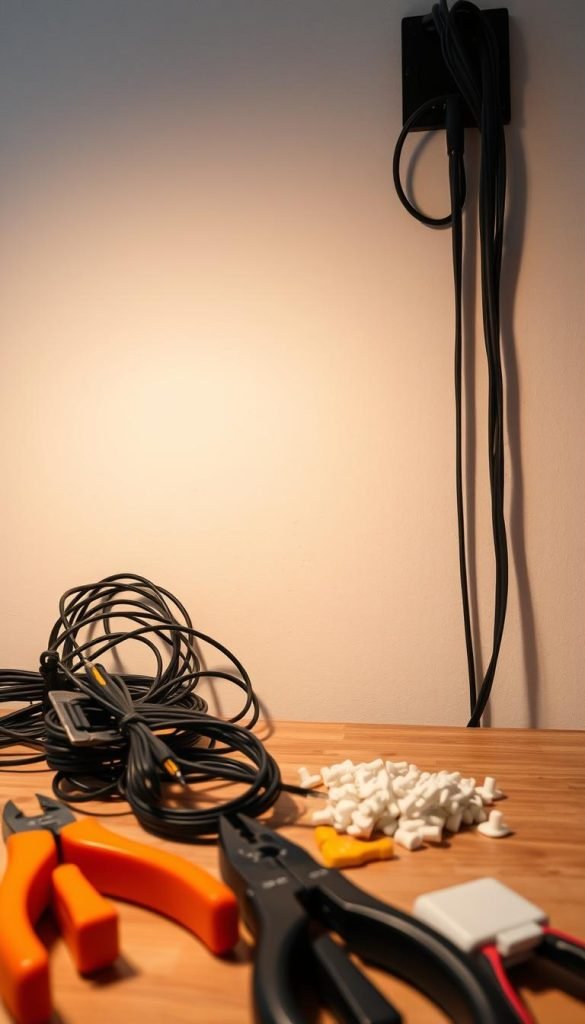
Essential toolkit
I never cut without a reliable stud finder that shows where studs and old fasteners live. A sharp utility knife or a drywall/plaster saw gives clean edges for recessed plates.
My drill with a paddle bit or hole saw sizes holes precisely for plates and boxes. Recessed cable plates and low‑profile covers keep the entry points flush and prevent chafing.
Game-changers for pulling and powering
Fish tape saves hours when snaking cable through insulated cavities. It beats pushing and reduces the chance of snagging behind studs.
For safe power I use pre-packaged in‑wall power kits. These kits supply listed parts that route power behind the display while staying within code.
What to buy for in-wall runs
- Choose in‑wall rated cable: CL2/CL3 for HDMI or speaker wire and CMR/CMP for Ethernet.
- Bring painter’s tape, a level, and spare anchors to get plates square over slightly uneven surfaces.
- Keep a small vacuum to clear dust so cable pulls stay visible and clean.
How I “read” the wall first: plaster and lath versus drywall
A careful inspection of edges, trim, and sound tells me whether I’m dealing with plaster and lath or drywall. I tap the surface and feel for thickness. Plaster sounds denser and may be brittle. Drywall is lighter and gives a hollow tone.
I use a magnetic stud finder to trace lath nail lines. That helps me infer stud centers when electronics struggle on old surfaces. I then measure typical spacing but stay ready for irregular framing in older construction.
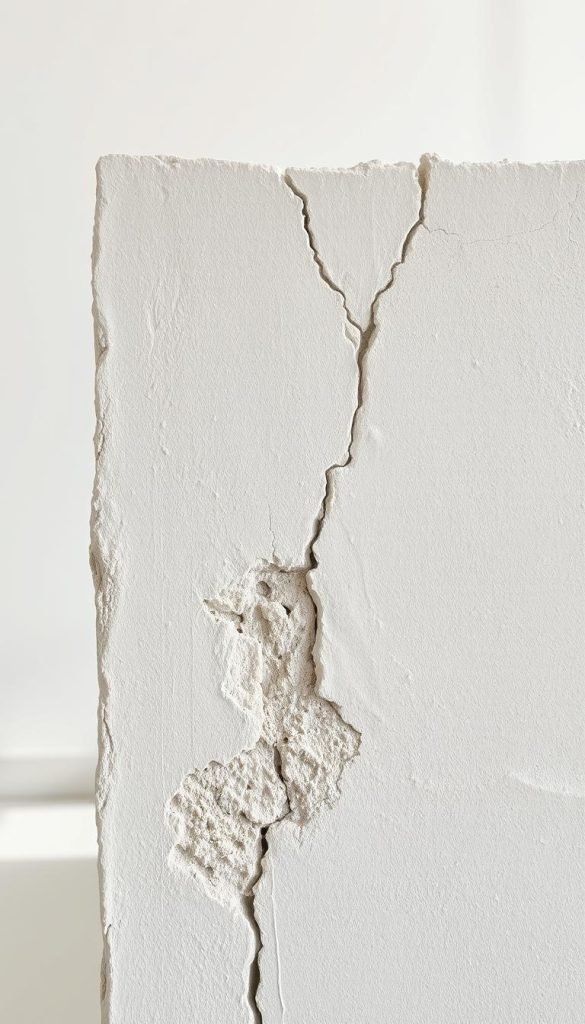
Spotting hazards before any cut
Safety first: I switch the finder to hot‑wire mode to mark electrical wiring and set vertical keep‑out zones above and below switches and outlets. Fire blocking often interrupts vertical runs, so I plan routes around it or prepare to drill through with proper tools.
| Check | What I look for | Action |
|---|---|---|
| Surface tone | Dense/solid vs hollow | Cut slowly or use surface raceway |
| Nail lines | Magnetic finder trace | Mark stud centers |
| Live detection | Hot mode flags AC | Mark keep-out zones |
| Cavity depth | Measured with probe | Confirm recessed plate fit |
- I map a top-to-bottom route that ends behind furniture for neat slack management.
- I mark everything on painter’s tape so I can tweak without marring the finish.
- Final go/no‑go: if cavities look crowded or risky, I switch to surface-mounted ways.
Surface-mounted options I use when I can’t cut plaster
When opening the wall isn’t an option, I turn to surface solutions that stay neat and reversible. These methods keep the room tidy, protect runs, and let me update gear later without drywall work.
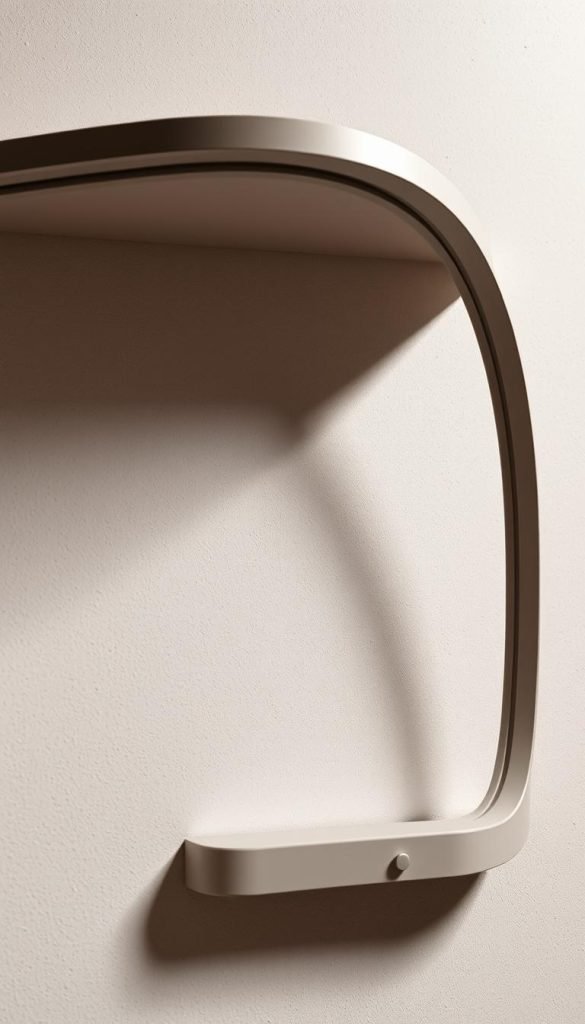
Adhesive raceways and baseboard channels that blend in
Adhesive raceways with factory backs make quick work of straight runs. I pick channels wide enough so the cables don’t bulge.
I mount them with a torpedo level, then miter corners and use baseboard channels along the floor for longer runs. That approach keeps the route tidy and low to the room line.
Paint prep tips so plastic covers disappear into the wall
Plastic covers take paint well if prepared. I sand lightly, prime the surface, and use the same wall paint for one-coat blending.
After painting I caulk small gaps at the ends for a finished look. These steps make the channel look intentional rather than tacked on.
Fabric cord sleeves and decorative covers as design choices
For softer aesthetics I use fabric cord sleeves. Zippered styles let me add or remove cables with no fuss.
I match sleeve colors to the room so the solution reads as design, not an afterthought. When I must keep power and signal separated, I place them in separate channels or use a wider raceway with internal dividers.
| Option | Best use | Appearance | Maintenance |
|---|---|---|---|
| Adhesive raceway | Straight runs, quick install | Low-profile, paintable | Wipe clean, touch-up paint |
| Baseboard channel | Perimeter routing | Built-in look with mitered corners | Easy access, replaceable |
| Fabric sleeve | Design-forward runs | Textile, many colors | Zip open to add cables |
- I always leave slack at both ends to ease service and avoid strain.
- Measure generously: surface routes add length versus in-wall drops.
- When used well, these ways let me hide cables and keep the room looking intentional.
How can I hide TV wires in a plaster wall without an electrician? My step-by-step
I mark two precise openings: one behind the display so the bezel hides the cut, and one low near the outlet or behind furniture for equipment access.
I verify studs and fire blocks so both holes sit between framing members. If spacing is tight, I shift the mount a few inches to avoid horizontal obstructions.
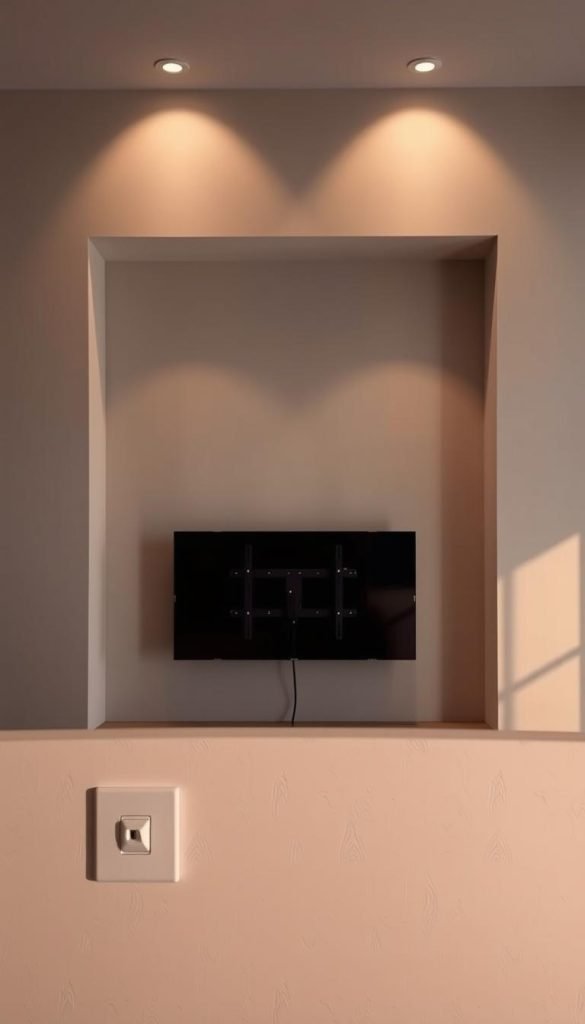
Plan the top entry and bottom exit locations
I measure so the top opening tucks completely behind the bezel. The lower opening goes behind a console or next to the outlet for neat cable routing.
Use fish tape to pull low-voltage cables through existing cavities
I score the outline, cut slowly with a plaster/drywall saw, and prep fish tape by tapering the leading cable head to avoid snags on lath or insulation.
I feed the tape from top to bottom, then pull the low-voltage bundle steadily. I keep the run gentle and use soft Velcro wraps to protect the cable bend radius.
Finish with recessed cable plates for a pro look
I install in-wall-rated cable only and secure recessed plates so the flange sits flat against the wall. This protects the cable jacket and gives a finished cover that reads like built-in work.
| Step | Why it matters | Quick tip |
|---|---|---|
| Mark openings | Keeps cuts hidden | Place top behind bezel |
| Check studs | Avoids fire blocks and structural nails | Shift mount if needed |
| Fish tape pull | Prevents damage and snags | Tape cable head smooth |
| Recessed plate | Clean finish and strain relief | Use included hardware |
- Verify connections before final mounting so you don’t reopen plates.
- Tidy extra cable length in a soft loop behind the display to relieve strain on cords and ports.
Power the right way without breaking code
Proper planning keeps installations safe and code-compliant. Start by locating existing receptacles and deciding where top and bottom modules will sit. This approach shortens runs and reduces stress on cords.
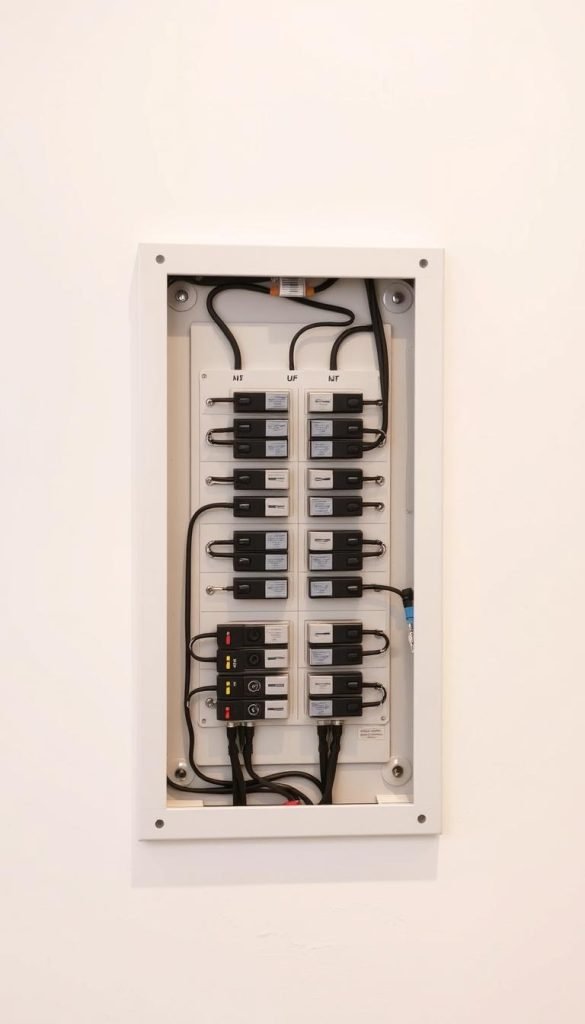
Why the stock power cord should stay out of the wall
A standard TV power lead is not rated for in-wall use. Running that cord behind finishes risks a fire hazard and violates electrical wiring rules. For both safety and compliance, do not tuck the stock cord into the cavity.
Using an in-wall power kit to stay compliant
Install a listed in-wall power kit that provides a recessed outlet behind the display and a matching lower inlet near an existing outlet. Follow the included template to cut clean openings and mount modules flush so the cover sits neat and low-profile.
Keeping power and signal separated to avoid interference
Run low-voltage cable apart from mains when possible. Place power and signal runs on opposite sides of a stud bay to reduce electromagnetic interference. Respect bend radius near the modules and use strain-relief features so connections remain secure.
| Task | What to use | Why it matters |
|---|---|---|
| Top module | Recessed outlet (listed kit) | Provides safe in-wall power behind display |
| Bottom inlet | Lower kit inlet | Feeds kit from existing household outlet |
| Separation | Opposite stud sides | Reduces interference between cable and power |
| Finish | Flush faceplate cover | Protects terminations and looks professional |
- Never route the stock cord inside a cavity; use listed kits for safe power.
- Label the lower inlet for quick identification during service.
- Test for steady power and clean video/audio before closing covers.
Design-forward ways to hide cables without wall damage
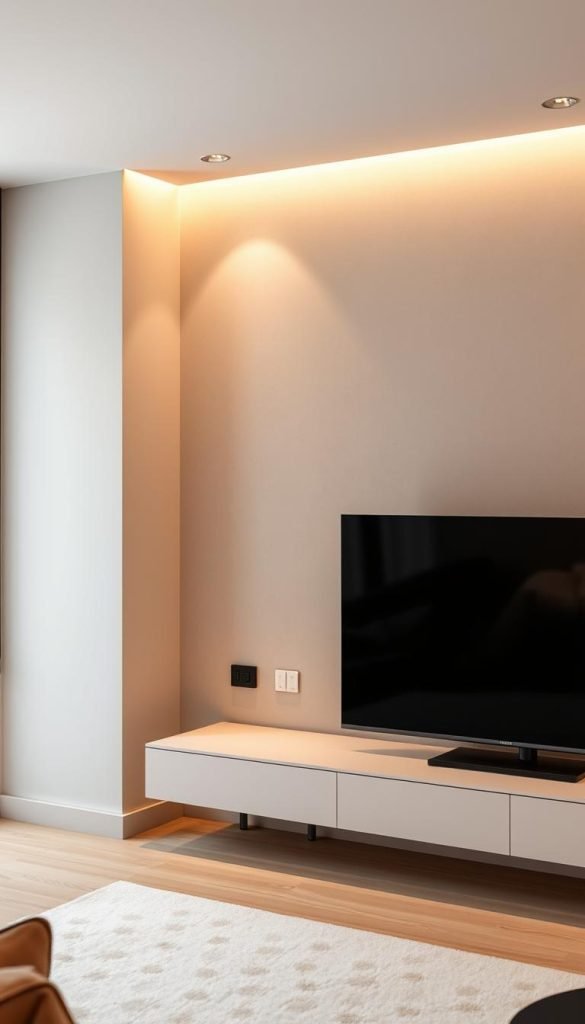
I treat visible cable routes as a chance to add a clean architectural line to the room. Small, considered moves keep the entertainment area tidy while avoiding any cutting.
Raceways as intentional trim: I pick a wider raceway profile that echoes existing moldings. After sanding and priming, I paint it in matching colors so the channel reads as trim rather than a retrofit.
Furniture, panels, and decorative boxes: A low console or sideboard hides vertical drops and slack. Decorative boxes house hubs or power strips; I add ventilation and place IR repeaters or clear windows so remotes still work.
I favor braided sleeves for short exposed runs — they tame multiple cable bends and add texture. I also separate power and signal inside larger channels to keep performance steady.
| Solution | Best use | Finish tip |
|---|---|---|
| Painted raceway | Straight vertical runs | Sand, prime, paint to match trim |
| Decorative box | Hubs and slim power strips | Ventilation and IR/line-of-sight |
| Furniture concealment | Transitions and slack | Keep access panels removable |
- Align channels with trim or window casings to maintain room flow and preserve floor space.
- Ensure lids and boxes stay serviceable; covers should snap off without marring paint.
Troubleshooting real-world obstacles inside plaster walls
If my fish tape stalls, I assume an obstruction and size up options before forcing anything. A stalled pull usually means a hidden block, packed insulation, or odd framing. I work slowly to avoid unnecessary damage.
Dealing with fire blocks and insulation snags
Fire blocks often stop a vertical pull. I decide whether to reroute or make a small access opening to drill through with an extended flexible auger bit.
Dense batts can snag tape. When that happens I swap to a fiberglass fish tape that slides through insulation more reliably.
When to reroute versus drill through an obstruction
- Hit a fire block: reroute or carefully drill from a temporary access hole and patch later.
- See crowded wiring: stop and choose a clearer bay to avoid damage and future faults.
- Avoid force: steady pulls protect the cable jacket and keep connectors safe.
- Watch for odd studs or bracing: adapt the path rather than risk cracks or chipped keys.
- Plan repairs: keep spackle, sanding blocks, and touch-up paint ready for small patches.
If obstacles compound, I opt for a finished surface way instead of compromising the installation or the wall’s integrity. This keeps performance steady and repairs minimal.
Quick renter-friendly cable management wins I rely on
When I need a renter-friendly fix, I choose options that require no cutting and keep deposits intact. These small moves tidy the room fast and stay removable when I move out.
Adhesive cord clips stick behind furniture to route cords neatly to power and keep wires off the floor. I pair clips with reusable Velcro ties so I can reconfigure cords without cutting fasteners.
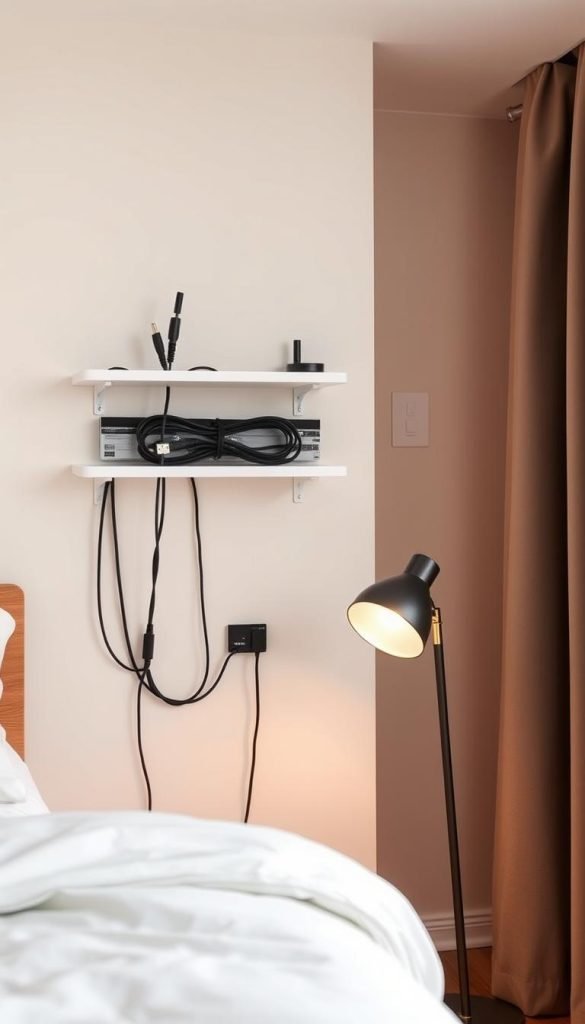
I tuck surge strips into a compact cable management box to hide excess lengths and keep children and pets safe. For shallow plugs I use a flat outlet extender so furniture stays flush to the wall and I gain side-access outlets.
Small kit, big payoff
- I label both ends of cords and leave gentle service loops behind devices so nothing strains during cleaning or upgrades.
- I install a slim raceway as a no-cut way that I can paint later; I keep plastic channel off new paint until it cures for better adhesion.
- I keep a small kit of clips, ties, and spare covers so new gear is easy to manage and reversible for renters.
For more detailed routing options and templates for concealing cables behind a mounted display, see this guide.
Finishing touches and small repairs that make it look professional
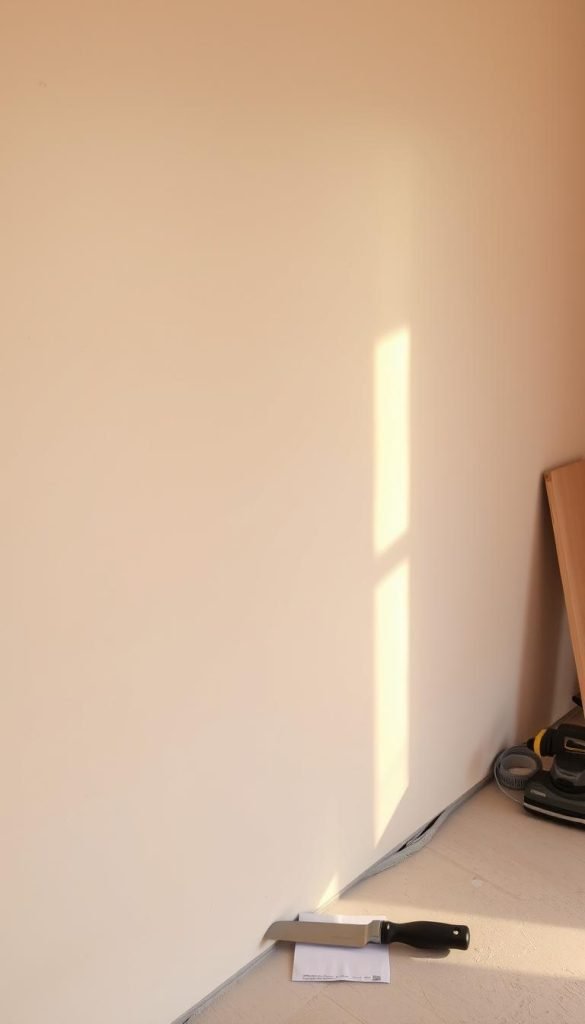
Small finish steps make the whole installation read as professional. I dry-fit recessed plates first to ensure the cover sits flush. If the opening is oversized, I apply a drywall repair patch to give screws a solid grip.
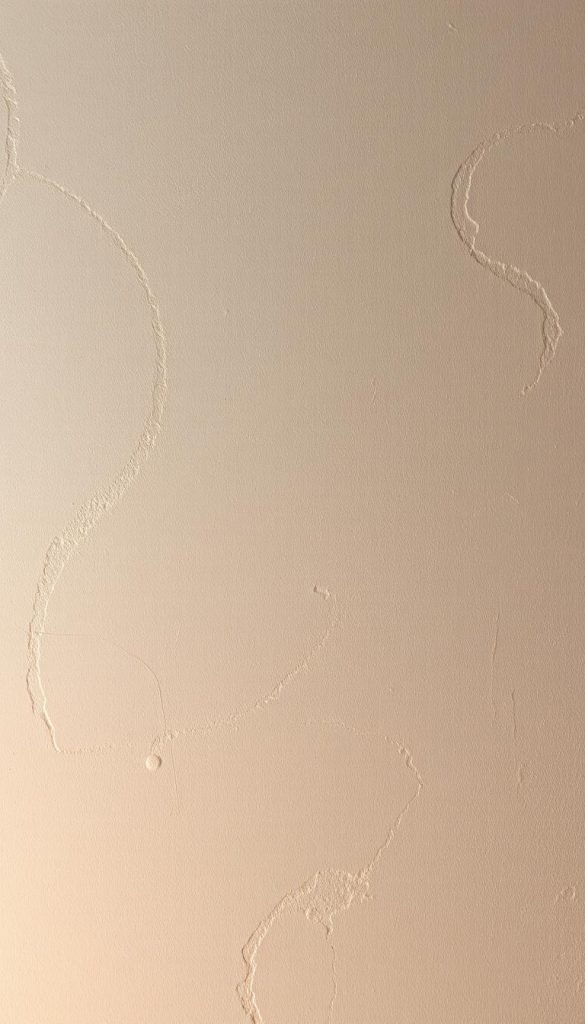
I skim chips with spackle, sand smooth, and spot-touch paint so the wall shows no sign of work. For larger holes I use a quality drywall patch before finishing so the texture matches.
I caulk micro-gaps around plates for a seamless line. That hides minor irregularities in older plaster and prevents future damage. I also paint raceways and screw heads to the same sheen as the wall.
To protect the cable and keep things tidy, I use short sleeves and clips to secure visible segments. I align faceplates perfectly level and wipe fingerprints and dust from glossy surfaces.
- I keep leftover materials and a labeled touch-up paint pot for the home.
- I test power, picture, and sound before closing covers to avoid reopening the installation.
- I photograph finished runs and hidden routes for future reference and service.
| Task | Purpose | Quick tip |
|---|---|---|
| Dry-fit plate | Confirm fit and alignment | Use patch if opening is large |
| Spackle & sand | Hide chips and minor blemishes | Sand between coats for smooth finish |
| Caulk & paint | Seamless edges and color match | Paint screws same sheen as wall |
| Tidy cables | Keep visible runs neat | Short sleeves or clips prevent sagging |
Long-term cable management and maintenance
A short, annual check keeps small problems from becoming big ones. Regular attention preserves performance and prevents hidden wear behind the display.
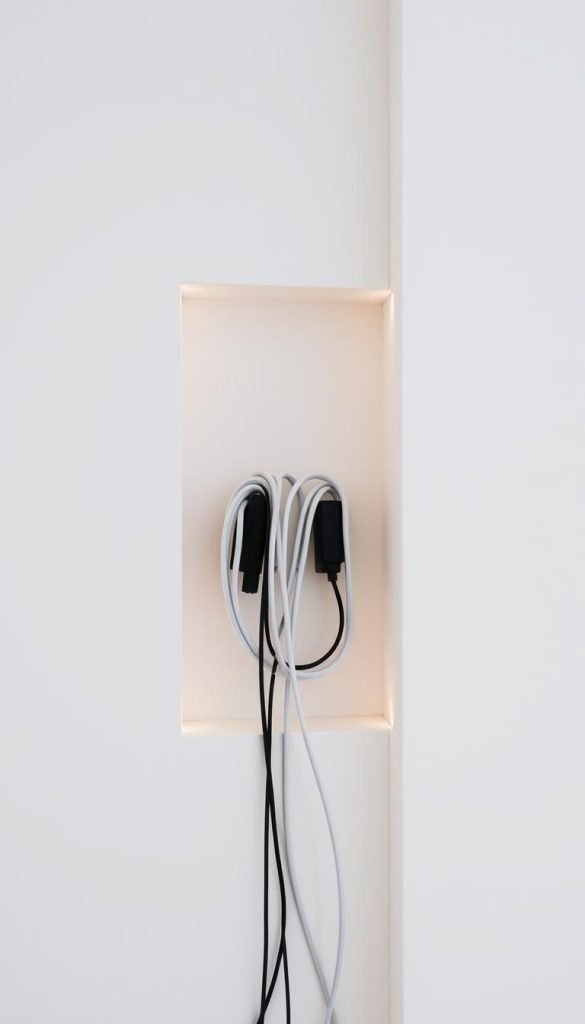
Check adhesive, strain relief, and bend radius over time. I press along raceways and clips once a year to confirm bonds are solid and aligned. I look for tight bends and add strain relief where HDMI or other cables strain ports.
Simple routines that keep everything working
- I verify separation of power and signal so EMI doesn’t creep into the picture or audio.
- I keep labels current on both ends of cables to speed changes when the entertainment setup evolves.
- I leave accessible slack loops and removable covers so service doesn’t mean cutting walls again.
| Task | Frequency | Why it matters |
|---|---|---|
| Press raceways & clips | Yearly | Ensures adhesive holds and reduces sag |
| Inspect bend radius | Yearly | Protects HDMI and prevents connector stress |
| Check separation | Yearly | Maintains clean audio/video by reducing EMI |
| Dust & clear ventilation | Seasonal | Prevents heat buildup around devices |
Keep a small kit with Velcro ties, spare clips, and touch-up paint so small fixes are quick. I also review furniture placement so nothing pinches cords or blocks access. These simple steps keep the space tidy and safe long term.
Conclusion
A tidy finish depends on planning routes, choosing rated cable, and picking the right access points. That simple approach is the clearest way to hide wires and keep walls neat.
For the cleanest result, I rely on fish tape, recessed plates, and a listed in‑wall power kit so the wall mounted display looks built-in and safe. When cutting isn’t possible, painted raceways, baseboard channels, and fabric sleeves offer solid alternatives.
Good cable management also means separating power from signal, honoring bend radius, and avoiding fire blocks. I place openings behind furniture and near outlets so the solution blends into my home.
Small renter-friendly fixes—clips, Velcro ties, and cable boxes—keep cables tidy now and reversible later. With careful installation and routine checks, the setup stays reliable and the room looks finished.